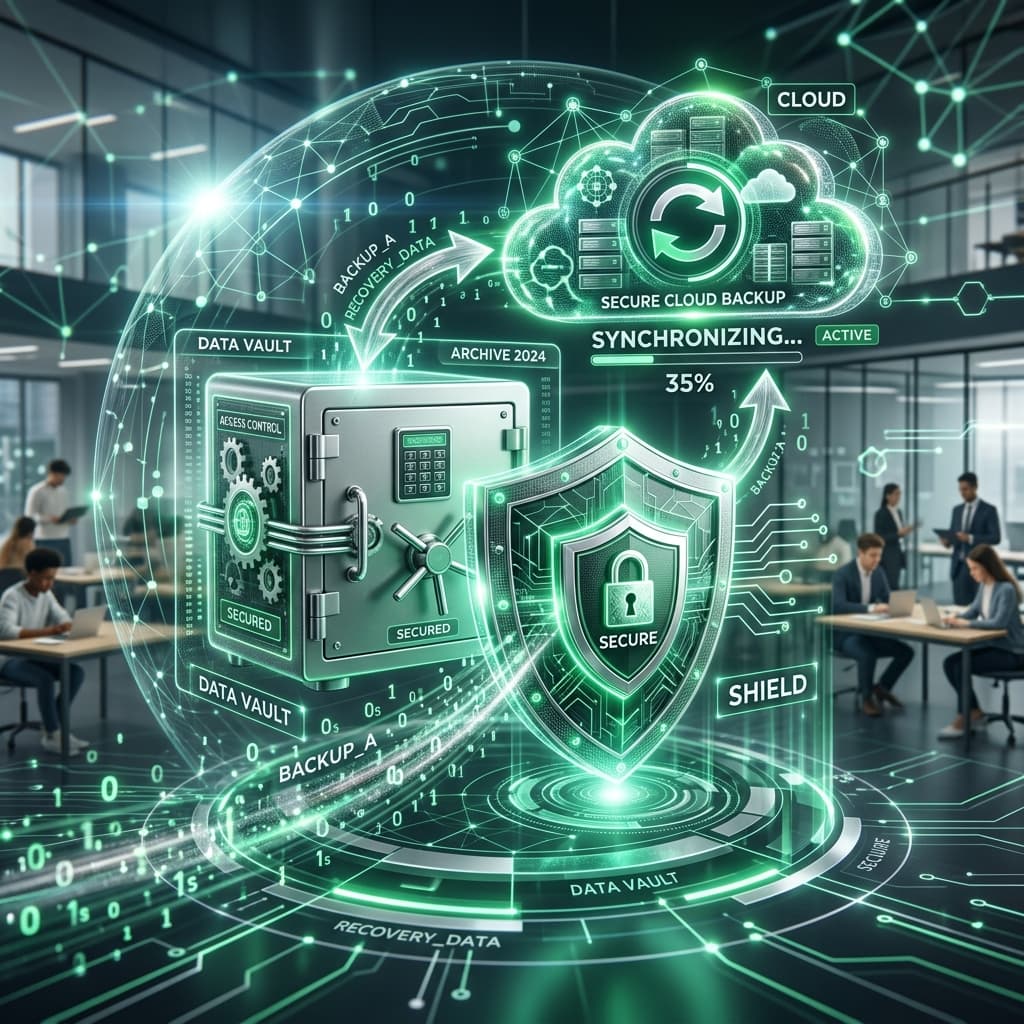
Don't Wait for the Crash: The Vital Importance of Data Backup and Disaster Recovery
Imagine this: You are a Grade 12 teacher in the middle of October. You have spent the entire year meticulously recording marks, building lesson resources, and preparing personalized feedback for your learners. Then, on a Tuesday afternoon during a heavy thunderstorm, a power surge hits the school. Your laptop refuses to turn on. When the technician finally looks at it, they deliver the catastrophic news: the hard drive is dead, and the data is unrecoverable.
For many South African educators and business owners, this isn't just a hypothetical scenario; it's a painful memory. In the digital age, our data is our most valuable asset, yet it remains surprisingly fragile. Understanding and implementing a robust data backup and disaster recovery strategy is not just "good IT hygiene"—it is a necessity for survival.
Data Loss: The South African Risk Profile
Every country faces data risks, but in South Africa, we have a specific set of challenges that make backups even more critical.
1. Load Shedding and Power Surges
Electrical instability is the leading cause of hardware failure in our country. Sudden power outages can corrupt data that is currently being written, while the massive surges that often follow a power restoration can fry the delicate components of a motherboard or an external drive.
2. Physical Theft and Burglary
Hardware theft remains a high risk in many South African communities. If your only copy of your financial records or your school's attendance logs is on a physical computer in an office, a single break-in can set your institution back by years.
3. Ransomware and Cybercrime
As we discussed in a previous article, South African businesses and schools are increasingly being targeted by ransomware. These attacks encrypt your files and demand payment for the "key." If you have a clean, disconnected backup, you can simply restore your system; without one, you are at the mercy of criminals.
4. Human Error
Sometimes, the "disaster" is a simple mistake. Someone deletes a folder by accident, or a cup of coffee is spilled on a keyboard. According to industry statistics, human error still accounts for nearly 20% of all data loss incidents.
The Difference Between "Backup" and "Disaster Recovery"
These two terms are often used interchangeably, but they represent two different parts of your safety net.
- Backup: This is the "copy" of your data. It is the practice of sending your files to a safe location so they can be restored if the original is lost. Think of it as the "spare wheel" in your car.
- Disaster Recovery (DR): This is the "plan" for how you will continue operating after a loss. It includes how quickly you can get a new computer set up, how you will access your backups, and who is responsible for each step. Think of it as the "roadside assistance service" that helps you change the wheel and get back on the road.
The "3-2-1" Rule: The Gold Standard of Backups
If you want a strategy that is truly "bulletproof," follow the industry-standard 3-2-1 rule:
Lesson Planner
Generate comprehensive, CAPS-aligned lesson plans in seconds.
- 3 Copies of Your Data: Have the original data plus at least two backup copies.
- 2 Different Media Types: Store your backups on two different types of devices. For example, one on an external hard drive and one in the cloud. This protects you if one type of hardware fails.
- 1 Copy Off-Site: At least one of your backups must be in a different physical location from the original. In the modern era, "the cloud" is the easiest way to achieve this. If the school building is damaged, your data remains safe in a data center elsewhere.
Modern Backup Solutions for South African Institutions
1. Cloud-Native Backups (The Ideal Choice)
Services like Google Drive, Microsoft OneDrive, and Dropbox provide real-time synchronization. Every time you save a file, it is automatically backed up. This is the most "hassle-free" option and is highly recommended for individual teachers and small business owners.
2. Network Attached Storage (NAS)
For larger schools or offices, a NAS is a device connected to your network specifically for storage. It allows for high-capacity backups from multiple computers simultaneously. However, a NAS must still be paired with an off-site cloud backup to follow the 3-2-1 rule.
3. Encrypted External Hard Drives
These are useful for large files (like video lessons) that might be too slow to upload to the cloud on a standard South African internet connection. They are portable and affordable but must be stored in a secure, fireproof safe when not in use.
Building a Disaster Recovery Plan
A backup is only as good as your ability to restore it. Ask yourself these three questions:
- Recovery Point Objective (RPO): How much data can you afford to lose? If you backup once a month, you could lose 30 days of work. Most businesses today aim for an RPO of less than 24 hours.
- Recovery Time Objective (RTO): How long can you afford to be "down"? If it takes three days to download your backups and get a new machine ready, can your school or business keep running in the meantime?
- The "Test Restore": Have you ever actually tried to restore a file from your backup? Many people discover their backups are corrupted only when they desperately need them. You should test your restore process at least once every six months.
Data Protection and the Law (POPIA)
Under the Protection of Personal Information Act (POPIA), South African organizations are legally responsible for the safety of the personal data they hold. Failing to have a backup strategy could be seen as "negligent handling" of data, especially if you lose sensitive information like learner names, ID numbers, or parent contact details. A robust backup system is a key part of your legal compliance.
Conclusion: Peace of Mind is Priceless
In the end, data backup is about peace of mind. It’s about knowing that even if the worst happens—the laptop is stolen, the virus hits, or the power surge fries the server—your work, your history, and your future are safe.
At SA Teachers, we take data security extremely seriously. Our platform is built with multiple layers of redundancy and automated, geo-distributed backups to ensure that our service is available to you whenever you need it. We encourage every one of our users to apply that same level of care to their personal and professional files.
Don't wait for the crash. Back up your data today. Your "future self" will thank you.
Trust Molai is the Founder of SA Teachers and a digital security advocate. He knows that in the world of technology, it's not a matter of "if" a failure will happen, but "when." He is dedicated to ensuring South Africans are prepared for that "when."
Trust Molai
Founder of SA Teachers. Passionate about educational technology, programming, and empowering the next generation of South African learners.