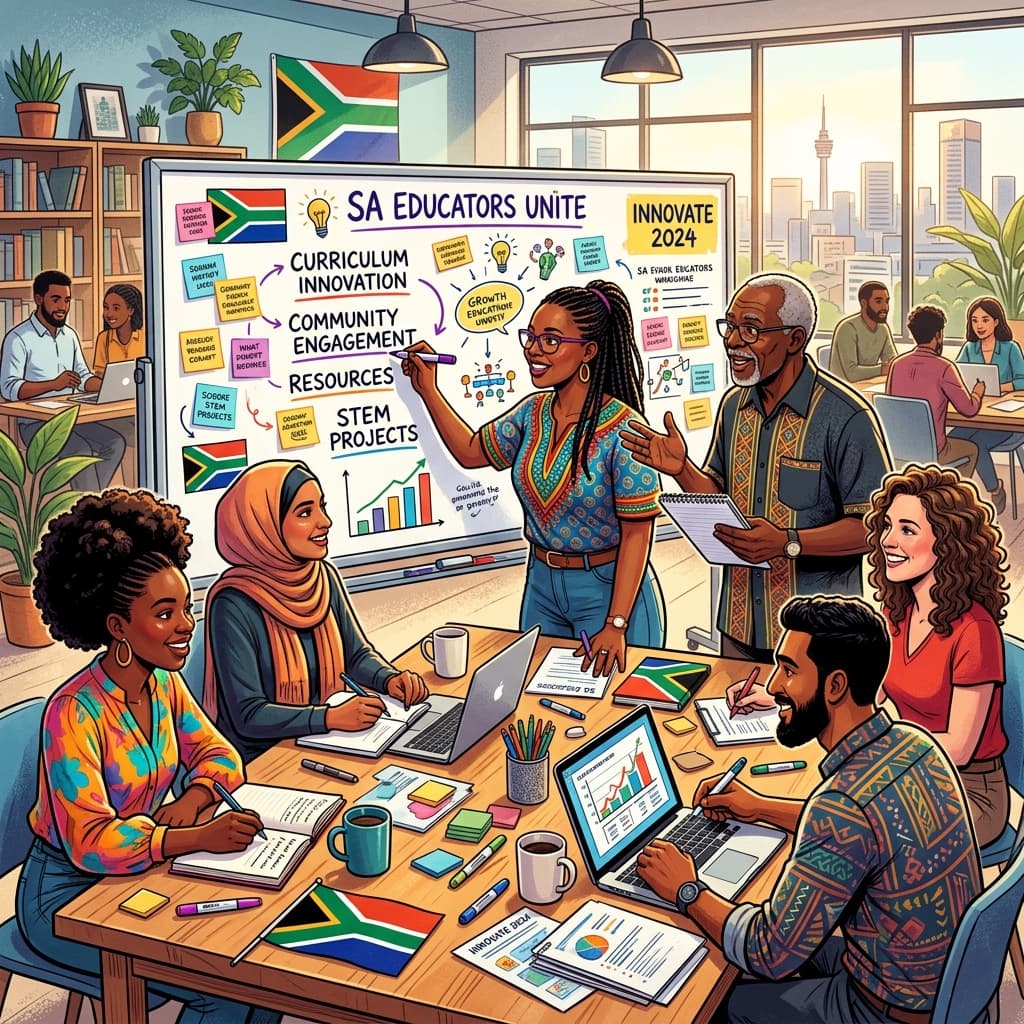
Visual learning, often referred to as spatial learning, involves a preference for processed information through images, diagrams, colours, and maps. In a system often dominated by auditory instructions and text-heavy textbooks, visual learners can sometimes feel left behind. However, with the Department of Basic Education (DBE) pushing for more inclusive education and the integration of 21st-century skills, it has never been more critical to adapt our teaching methodologies.
Whether you are navigating the foundational years of Grade R or preparing Matriculants for their final National Senior Certificate (NSC) examinations, understanding how to cater to visual learners is a superpower. This post will explore how you can leverage both traditional pedagogical techniques and the cutting-edge AI tools available at SA Teachers to ensure no learner is left in the dark.
How to Identify a Visual Learner
Before we can adapt our teaching, we must be able to recognise the visual learners in our rows of desks. You might notice that these learners:
- Doodle constantly: Their margins are often filled with intricate drawings or patterns.
- Have a vivid imagination: They can describe scenes in great detail but might struggle to find the right words in a verbal discussion.
- Prefer written instructions: They would rather read the "Method" section of a Science experiment than listen to you explain it.
- Are observant: They notice changes in the classroom environment, such as a new poster or a change in your seating plan.
- Use colour-coding: Their workbooks are often a rainbow of highlighters and coloured pens.
- Struggle with auditory-only lectures: If a lesson is 100% verbal, their eyes may glaze over as they lose track of the sequence of information.
Strategies for the Foundation Phase (Grades R–3)
In the Foundation Phase, the transition from concrete to abstract thinking is crucial. Visual learners here need a "visual anchor" for every new concept.
Visual Timetables and Classroom Cues
Visual learners thrive on predictability. Using a visual timetable on your chalkboard or noticeboard helps them conceptualise the flow of the school day. Instead of just writing "Mathematics," include an icon of a calculator or blocks.
The Power of Flashcards and Anchor Charts
When teaching phonics or basic numeracy, anchor charts remain indispensable. However, creating these manually is time-consuming. This is where the Worksheet & Exam Generator on SA Teachers becomes a lifesaver. You can generate custom visual aids that match your specific CAPS requirements for the week, ensuring that the "Sight Words" your learners see on the wall are exactly what they are practicing in their workbooks.
Colour-Coded Literacy
Use different colours to represent different parts of a sentence or different phonetic sounds. For example, use red for vowels and blue for consonants. This helps visual learners categorise information spatially.
Strategies for the Intermediate and Senior Phase (Grades 4–9)
As the curriculum moves toward more complex subjects like Natural Sciences, Social Sciences, and EMS, the volume of information increases. Visual learners can easily become overwhelmed by the "wall of text" found in many textbooks.
Mind Mapping and Concept Diagrams
Visual learners process the "big picture" before the details. Teach them how to create mind maps. For a History lesson on the Kingdom of Mapungubwe, a central image with branches leading to trade, social structure, and farming is far more effective than a page of bullet points.
Leveraging the SA Teachers CAPS-Aligned Lesson Planner
When planning these complex units, use the CAPS-Aligned Lesson Planner. It helps you structure your lessons to include visual components systematically. Instead of forgetting to include a diagram in your hurry to meet the Annual Teaching Plans (ATPs), the AI-driven planner suggests visual activities, such as drawing the water cycle or mapping out the structure of a government, ensuring your lesson remains balanced for all learning styles.

Infographics for Data
In Mathematics or EMS, instead of looking at raw data in a table, encourage learners to create (or interpret) infographics. Seeing the relationship between numbers visually helps solidify their understanding of ratio, percentage, and economic trends.
Strategies for the FET Phase (Grades 10–12)
In the FET phase, the pressure of the NSC and the sheer volume of the syllabus can lead to "learning by rote." For visual learners, this is a recipe for failure. They need to see the logic.

Classroom Environment: The Visual Learner's Workspace
The physical classroom environment (or "the third teacher") plays a massive role in how visual learners function.
- Reduce Clutter: While visual learners love images, too much visual noise can be distracting. Keep your walls organised. Designate one area for "Current Learning" (aligned with your current ATPs) and another for "Reference Material" (like high-frequency words or formulae).
- Use Whiteboard Real Estate Wisely: Divide your board into sections. Always keep the date and the "Lesson Objective" in the same corner. Use different coloured markers to separate the "Warm-up" from the "Main Content."
- Seating Arrangements: Ensure visual learners have a clear line of sight to the board or the projector screen. If they are sitting behind a tall student or at an awkward angle, they will miss half of the lesson.
Case Study: Teaching Geography to Grade 10s
Imagine you are teaching "Plate Tectonics." A traditional approach involves reading pages 45–52 of the textbook and answering questions.
The Visual Approach with SA Teachers:
- Preparation: Use the CAPS-Aligned Lesson Planner to generate a lesson that starts with a 5-minute video clip of volcanic activity.
- Activity: Instead of a long note, give learners a partially completed diagram generated by the Worksheet Generator. They must label the crust, mantle, and core using different colours.
- Revision: Direct learners to the Study Guide Creator to produce a one-page "Cheat Sheet" of the different plate boundaries (Convergent, Divergent, Transform) with a small icon for each.
- Feedback: When grading their final maps, use the Essay Grader & Rubric Creator to ensure they are marked fairly on their ability to represent geographic data visually, not just their ability to write long paragraphs.
Overcoming the Challenges of Visual Learning
One of the biggest hurdles in South African schools is the lack of resources—not every classroom has a smartboard or a projector. However, visual teaching does not require high-tech hardware; it requires high-tech thinking.
If you don't have a projector, use the "Chalk-Talk" method: draw as you speak. If you don't have colour printing, teach your learners to use their own coloured pencils to annotate black-and-white worksheets generated from the Worksheet & Exam Generator.
Furthermore, visual learners may struggle with verbal instructions. To mitigate this:
Tyler M.
Dedicated to empowering South African teachers through modern AI strategies, research-backed pedagogy, and policy insights.