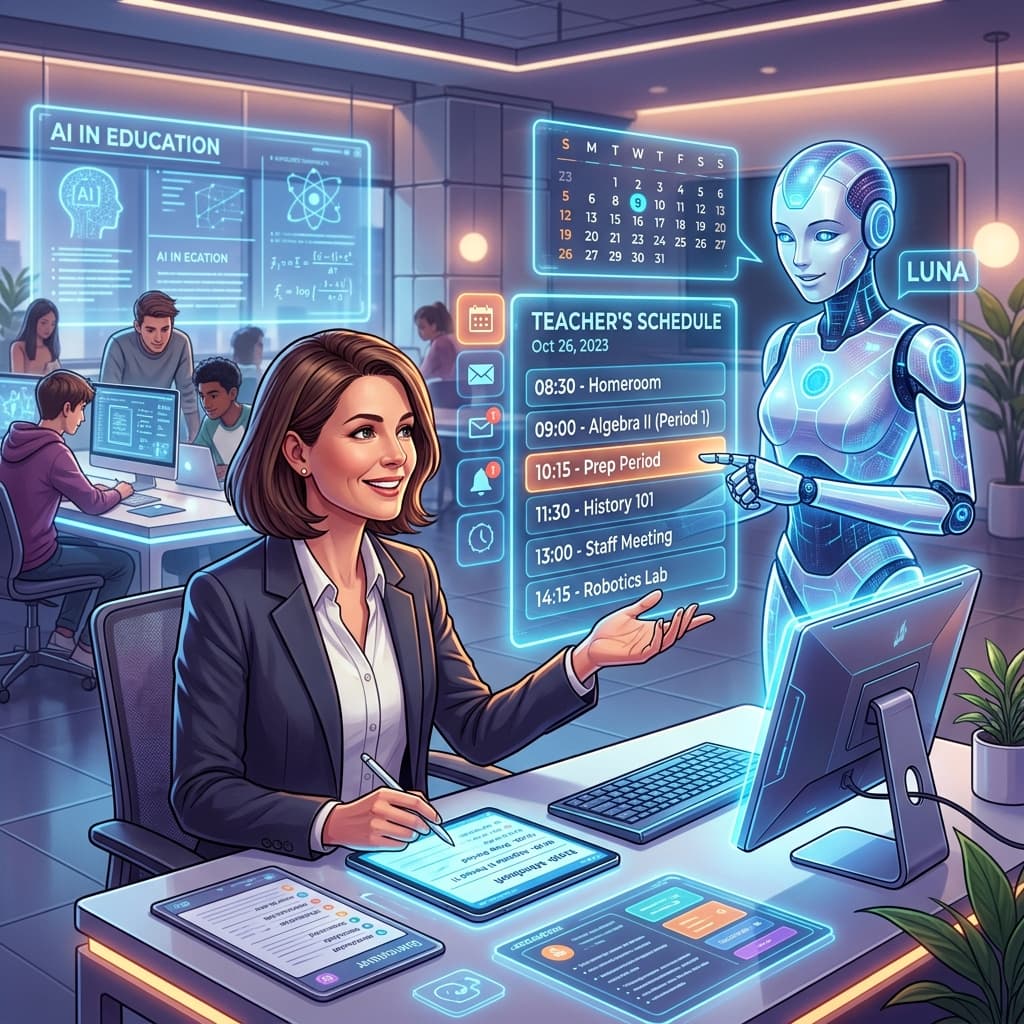
The Challenge of Diversity in the South African Classroom
Every South African educator knows the reality of the modern classroom: a vibrant, diverse, but often overwhelming mix of learners with vastly different needs. From the Foundation Phase through to the FET (Further Education and Training) band, teachers are tasked with delivering the CAPS (Curriculum and Assessment Policy Statement) curriculum to students who may vary significantly in their reading ages, home languages, and cognitive abilities.
In a typical classroom of 40 or more learners, providing truly personalised instruction used to be an impossible dream. Teachers are often stretched thin, grappling with administrative burdens, heavy marking loads, and the strict timelines of the Annual Teaching Plans (ATPs). However, the emergence of Artificial Intelligence (AI) has shifted the paradigm. AI isn't here to replace the teacher; it is here to act as a powerful co-pilot, enabling us to personalise learning materials at a scale and speed previously unimaginable.
At SA Teachers, we provide AI-powered tools specifically designed for the South African context. In this guide, we will explore how you can use these tools to move beyond "one-size-fits-all" teaching and create a learning environment where every student can thrive.

1. Differentiating Instruction with a CAPS-Aligned Lesson Planner
Personalisation starts with the plan. Traditionally, differentiation meant writing three different lesson plans for one period—a task that simply isn't sustainable for a busy educator. Using an AI-driven CAPS-Aligned Lesson Planner changes this dynamic.
How to use it for personalisation:
When you input your subject and topic into the SA Teachers Lesson Planner, the AI doesn't just generate a generic outline. It aligns the content with the specific requirements of the Department of Basic Education (DBE). To personalise, you can prompt the tool to include specific scaffolding for learners who struggle with English as a First Additional Language (EFAL) or to provide extension activities for high achievers who finish their work early.
For example, if you are teaching Grade 9 Mathematics (Algebraic Expressions), the AI can help you structure a lesson that introduces the concept through concrete examples for some, while offering abstract challenges for others—all within the same 60-minute period. By automating the alignment with the ATPs, you free up mental energy to focus on how to best engage the individual personalities in your room.
2. Generating Multi-Level Worksheets and Exams
Assessment is where the "learning gap" often becomes most visible. A learner who understands the concepts of Geography might fail an exam simply because the language used in the questions is too complex. Conversely, a gifted learner might become disengaged by a worksheet that only tests lower-order thinking.
The Worksheet & Exam Generator on SA Teachers allows you to create assessments that respect the cognitive levels required by CAPS (Bloom’s Taxonomy).
Practical Application:
- Scaffolding: Use the generator to create three versions of the same worksheet. Version A provides more visual aids and simplified instructions for learners with barriers to learning. Version B is the standard grade-level version. Version C includes complex "Level 4" problem-solving questions to challenge your top performers.
- Language Sensitivity: For schools where learners are transitioning from their mother tongue to English in Grade 4, you can use AI to identify and simplify overly academic jargon in your worksheets without losing the core conceptual rigour.
- Exam Readiness: Generate practice papers that mirror the structure of the National Senior Certificate (NSC) or IEB exams, ensuring that your FET learners are familiar with the phrasing and layout they will face in their finals.
3. Creating Personalised Study Guides for Revision
As exams approach, learners often feel overwhelmed by the sheer volume of content. A textbook is a general tool, but a personalised study guide is a surgical one. The Study Guide Creator allows teachers to synthesise complex chapters into digestible, learner-friendly formats.
Personalising the Revision Experience:
If you notice a specific group of learners is struggling with "Electrolytic Cells" in Physical Sciences, you can use the Study Guide Creator to generate a focused, 5-page revision booklet that uses analogies relevant to the South African context. You can instruct the AI to focus on specific keywords and definitions that appear most frequently in past DBE papers.
Furthermore, these guides can be formatted to be "screen-friendly" for learners who only have access to a smartphone for revision at home, ensuring that the personalisation extends beyond the school gates and into the community.

4. The AI Tutor: Providing 24/7 Support
One of the greatest hurdles to personalised learning is that the teacher cannot be everywhere at once. During a "flipped classroom" session or during homework time, learners often get stuck and lose momentum.
The AI Tutor tool on SA Teachers serves as a bridge. It is programmed to act as a Socratic guide rather than a "cheat sheet." When a learner asks a question, the AI Tutor prompts them to think through the steps, providing personalised hints based on the learner's specific point of confusion.
For a teacher, this means you can assign a complex task knowing that the AI Tutor is there to provide immediate, personalised feedback to each student. This is particularly beneficial in rural or under-resourced schools where after-school tutoring is not financially feasible for families.
5. Revolutionising Feedback with the Essay Grader & Rubric Creator
Feedback is the most critical component of the learning cycle, but it is also the most time-consuming. To personalise learning, feedback must be specific, timely, and actionable. Using a generic "7/10 - Good job" does nothing to help a learner improve.
Lesson Planner
Generate comprehensive, CAPS-aligned lesson plans in seconds.
Using the Essay Grader & Rubric Creator:
- Consistency: First, use the Rubric Creator to build a rubric that matches the CAPS assessment criteria for an English Home Language transactional text or a History essay.
- Speed: Feed the student's work into the Essay Grader. The AI doesn't just give a mark; it provides a breakdown based on your rubric.
- Personalisation: The AI generates comments that highlight exactly where a learner went wrong (e.g., "Your introductory paragraph lacks a clear thesis statement") and where they excelled.
By using AI to handle the initial "heavy lifting" of grading, you can spend your time reading the AI's suggestions and adding that crucial "human touch" or one-on-one intervention for learners who are significantly off-track.
At the end of the term, School Management Teams (SMTs) and parents require detailed reports. Writing 200 unique, professional, and constructive comments is a Herculean task that often leads to "copy-paste" fatigue.
The Report Comments Generator helps you maintain the personal connection with the parent while ensuring professional standards. By inputting a few data points about a student's performance and attitude, the AI generates a comment that is:
- Professional: Uses the correct educational terminology.
- Specific: Mentions the learner's strengths and areas for growth.
- Actionable: Suggests what the parent can do at home to support the child.
This ensures that every parent receives a reflection of their child's unique journey, reinforcing the partnership between home and school.
7. Strategic Implementation: How to Start
Moving toward AI-driven personalisation doesn't have to happen overnight. Here is a suggested roadmap for South African teachers:
Phase 1: The "Admin-First" Approach
Start by using the Report Comments Generator or the CAPS-Aligned Lesson Planner. These tools reduce your administrative burden immediately, giving you back hours of your week. Use this reclaimed time to observe your learners more closely and identify who needs the most personalisation.
Phase 2: Differentiating Resources
Once you are comfortable, move to the Worksheet & Exam Generator. Try creating two versions of a quiz for your next topic—one for your standard group and one for your "extension" group. Observe how the engagement levels change when learners are met at their actual level of challenge.
Phase 3: Empowering Learners
Introduce the AI Tutor or provide AI-generated Study Guides. Teach your learners how to use these tools responsibly. This shifts the culture of your classroom from "teacher-led" to "learner-centred," which is a core goal of the DBE's vision for 21st-century schooling.
Addressing the "Digital Divide"
It would be remiss to discuss AI in South Africa without acknowledging the digital divide. Personalising learning via AI does not always require every student to have a laptop.
Teachers can use SA Teachers tools to:
- Print Personalised Packs: Use the AI to generate different sets of printed worksheets.
- WhatsApp-Friendly Summaries: Use the AI to summarise long texts into short, bulleted points that can be easily shared via a class WhatsApp group for learners who have limited data.
- Teacher-Facing Support: Even if the learners have no tech, the teacher can use AI to better understand how to explain a concept in three different ways during a chalkboard-and-talk lesson.
The Ethical Dimension and Standardisation
A common concern among SMTs is that AI might lead to a lack of standardisation or "lazy" teaching. However, when used correctly, AI actually increases standardisation. By using the Rubric Creator, you ensure that every student is graded against the exact same CAPS standards, removing the subjective bias that often creeps in when a teacher is marking 150 scripts late at night.
Furthermore, the "human in the loop" is essential. The teacher must always review AI-generated content to ensure it fits the cultural context of the school and the specific pedagogical goals of the department.
Conclusion: Reclaiming the Joy of Teaching
The goal of personalising learning materials is to ensure that no child is left behind and no child is held back. In the South African context, where our classrooms represent the full spectrum of our "Rainbow Nation," AI is the bridge that makes this possible.
By integrating tools like the CAPS-Aligned Lesson Planner, Worksheet Generator, and AI Tutor from sateachers.co.za, you aren't just adopting new technology; you are reclaiming your time. You are moving away from being a "content delivery machine" and moving back toward being a mentor, a facilitator, and an inspiration.
The future of South African education is not just digital—it is personal. Start your journey today by exploring the AI tools designed specifically for our teachers, our curriculum, and our kids.
Ready to transform your classroom?
Visit SA Teachers to access our suite of AI tools and start personalising your learning materials in minutes, not hours. Join thousands of South African educators who are already leading the way in educational innovation.
SA
Dedicated to empowering South African teachers through modern AI strategies, research-backed pedagogy, and policy insights.