Revolutionising Learning: Case Study 94 - Technology for Inclusive Education in South Africa
The dream of a truly inclusive classroom in South Africa, where every learner, regardless of their abilities or background, can thrive, is closer than ever thanks to the strategic integration of technology. As educators navigating the dynamic landscape of the CAPS curriculum, we often face the challenge of catering to diverse learning needs within a single classroom. This is where technology, when applied thoughtfully and purposefully, becomes an indispensable ally.
In this blog post, we delve into a hypothetical but highly representative case study, "Case Study 94," to illustrate how technology can transform inclusive education practices in South African schools. We'll explore practical strategies, grounded in our unique context, that you, our dedicated Grade R-12 teachers, can implement to foster a more equitable and engaging learning environment.
Understanding "Case Study 94": A Typical South African Classroom
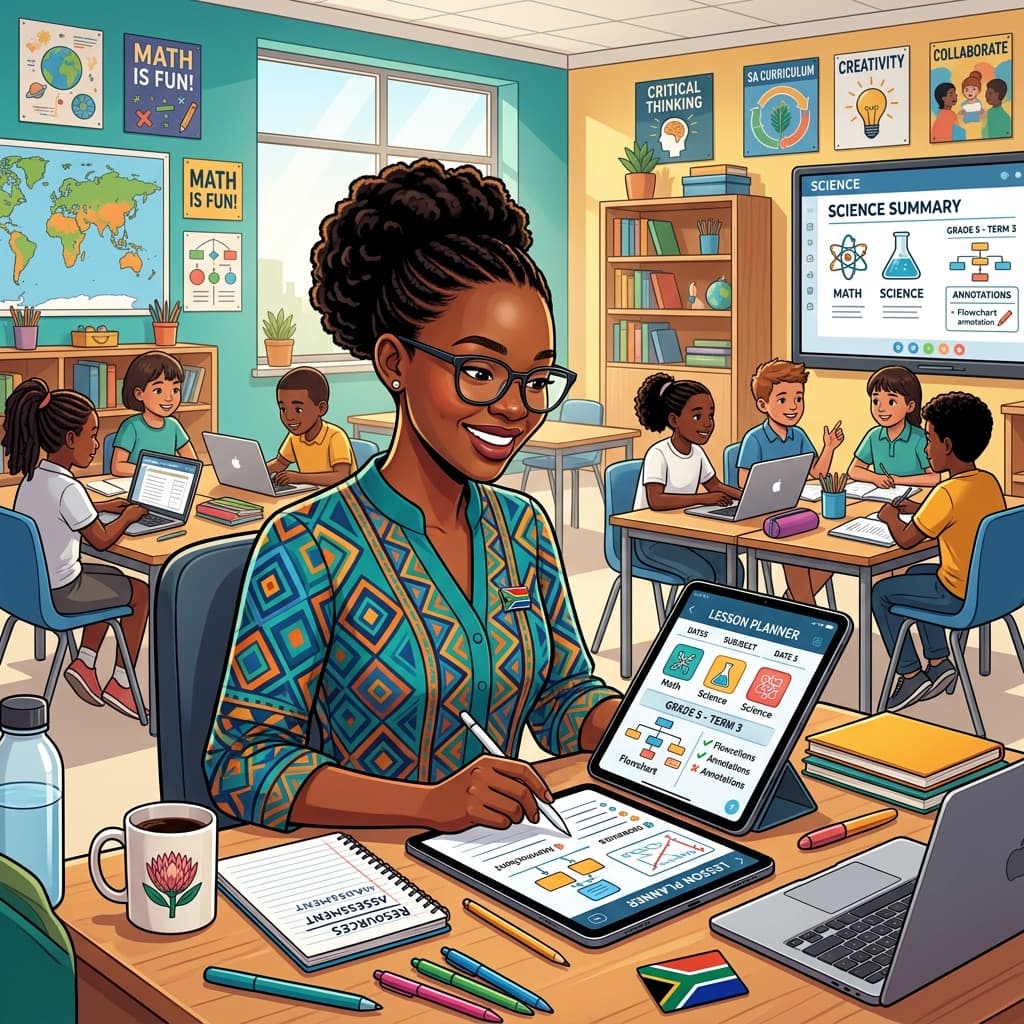
Imagine a bustling Grade 7 Life Sciences classroom in a township school in the Eastern Cape. Ms. Thandiwe, a passionate and experienced educator, faces a familiar scenario. Her 35 learners present a spectrum of learning styles and needs. There's Sipho, who struggles with reading comprehension due to dyslexia; Lerato, who is a gifted visual learner but finds abstract concepts challenging; and the many others who benefit from varied pedagogical approaches. The school has limited resources, but a recent initiative has provided access to a few shared tablets and a functional computer lab. Ms. Thandiwe is determined to leverage this technology to make Life Sciences accessible and engaging for everyone.
This scenario, though a composite, reflects the realities many of you face daily. The challenge isn't just about having the technology, but about knowing how to use it to address specific CAPS requirements and learner needs.
The Pillars of Inclusive Technology Integration in SA
For technology to truly serve inclusive education in South Africa, it must be built upon several key pillars:
- Accessibility: Technology must be accessible to all learners, considering physical disabilities, learning differences, and socio-economic disparities. This means exploring assistive technologies, simplified interfaces, and offline content where connectivity is an issue.
- Adaptability: Educational technology should be flexible and adaptable to individual learning paces and styles. Tools that allow for differentiation, personalised feedback, and varied modes of engagement are crucial.
- Affordability and Sustainability: Given the resource constraints in many South African schools, the focus should be on affordable, open-source, or government-supported platforms and devices. Long-term sustainability of implementation is paramount.
- Teacher Empowerment: Crucially, teachers need adequate training and ongoing support to effectively integrate technology. Without this, even the most advanced tools will remain underutilised.
Technology in Action: Case Study 94 - Specific Strategies
Let's see how Ms. Thandiwe, drawing inspiration from these pillars, addresses her learners' needs in Life Sciences:
1. Bridging Reading Gaps with Text-to-Speech and Visual Aids
CAPS Focus: Understanding biological terms, interpreting diagrams, and reading scientific texts.
Challenge: Sipho’s dyslexia makes reading dense Life Sciences text a significant hurdle.
Technology Solution: Ms. Thandiwe utilises the text-to-speech (TTS) function available on the shared tablets and computers. She directs Sipho to online resources and e-books that are compatible with TTS. Many open-source biology textbooks and CAPS-aligned educational websites offer this feature. She also encourages him to use visual aids.
Practical Advice for SA Teachers:
- Explore built-in features: Most operating systems (Windows, Android, iOS) have built-in TTS functionalities. Familiarise yourselves with them.
- Leverage CAPS-aligned digital resources: Many provincial education departments and NGOs offer free digital learning materials. Look for those that support TTS or offer alternative formats.
- Visualisation is key: For all learners, but especially those struggling with text, utilise interactive diagrams, animations, and videos. Platforms like YouTube (with careful curation and offline download options for areas with poor connectivity) are rich resources.
2. Engaging Visual Learners with Interactive Simulations and Concept Mapping
CAPS Focus: Understanding complex processes like photosynthesis, the human circulatory system, or cellular respiration.
Challenge: Lerato grasps concepts best when she can see and interact with them. Traditional textbook explanations of abstract biological processes can be disengaging.
Technology Solution: Ms. Thandiwe uses interactive simulations available on educational platforms. For instance, she might use a virtual lab simulation where learners can manipulate variables in photosynthesis or explore the human heart's function in real-time. For concept mapping, she introduces tools that allow learners to visually organise ideas and relationships between biological terms.
Practical Advice for SA Teachers:
- Discover free simulation software: Websites like PhET Interactive Simulations (University of Colorado Boulder) offer free, high-quality science simulations that are often adaptable for lower bandwidth.
- Utilise collaborative tools: Tools like Google Jamboard or Miro allow learners to collaboratively create concept maps digitally, fostering teamwork and visual understanding.
- Record demonstrations: If live simulations are not feasible due to hardware limitations, record short, clear video demonstrations of key processes and share them with learners.
3. Differentiated Instruction with Adaptive Learning Platforms and Digital Worksheets
CAPS Focus: Assessing understanding, providing targeted practice, and catering to different mastery levels.
Challenge: Ensuring all learners are challenged appropriately without overwhelming those who need more support.
Technology Solution: Ms. Thandiwe employs a hybrid approach. For homework, she assigns tasks through a simple, accessible Learning Management System (LMS) if available, or uses shared documents where she can create differentiated worksheets. Some learners might receive questions focusing on basic recall, while others tackle application or analysis questions. Adaptive learning platforms, even basic free versions, can auto-adjust difficulty based on student performance.
Practical Advice for SA Teachers:
- Google Classroom or similar: If your school has access to platforms like Google Classroom, leverage its features for assigning differentiated tasks and collecting work.
- Create your own differentiated worksheets: Use Microsoft Word or Google Docs. Create multiple versions of a worksheet targeting different learning objectives or skill levels. Save them as PDFs for easy sharing.
- QR codes for differentiated content: For learners with access to smartphones or tablets, you can use QR codes to link to different levels of content or practice exercises.
4. Fostering Communication and Collaboration with Digital Tools
CAPS Focus: Developing communication skills, working in groups, and peer learning.
Challenge: Encouraging active participation from quieter learners and facilitating productive group work.
Technology Solution: Ms. Thandiwe uses a simple online forum or a dedicated WhatsApp group (with clear guidelines) for her class. Learners can post questions, share insights, and even collaborate on assignments outside of class time. This provides a less intimidating platform for shy learners to express their ideas.
Practical Advice for SA Teachers:
- Establish clear digital etiquette: Before starting, set firm rules for online communication, including respectful language and on-topic discussions.
- Use moderated platforms: For younger learners, consider platforms with built-in moderation features.
- Offline collaboration options: For learners without consistent internet access, encourage physical group work during allocated class time, using digital tools for reporting or sharing findings later.
5. Addressing Connectivity Challenges: Offline and Low-Bandwidth Solutions
CAPS Focus: Ensuring access to learning materials regardless of internet availability.
Challenge: Many South African schools and homes have unreliable internet access.
Technology Solution: Ms. Thandiwe prioritises downloading resources beforehand. She uses offline versions of apps and software, saves videos and documents for offline viewing, and encourages learners to download materials when they have access. For the computer lab, she ensures that key software and content are installed locally.
Practical Advice for SA Teachers:
- Offline educational apps: Explore apps like Kolibri, which allows for offline access to a vast library of educational content.
- Download, download, download: Make it a habit to download relevant videos, articles, and interactive exercises.
- USB drives: Distribute digital learning materials via USB drives, especially for learners in areas with no internet access.
- Print where necessary: Technology doesn't replace all printed materials. For critical information or for learners with no digital access, printing remains a viable and essential option.
The Role of the South African Teacher
Ms. Thandiwe's success in Case Study 94 isn't solely about the technology itself. It's about her:
- Vision: Understanding the potential of technology to enhance inclusivity.
- Knowledge: Familiarity with the CAPS curriculum and how technology can support its objectives.
- Adaptability: Willingness to experiment and adjust strategies based on learner needs and available resources.
- Empathy: Deep understanding of the challenges faced by her learners.
As South African educators, we are at the forefront of innovation. By embracing technology with a critical, contextualised, and learner-centred approach, we can create classrooms that truly embody the spirit of inclusive education, empowering every child to reach their full potential within the framework of our unique CAPS curriculum. Case Study 94 is not just a hypothetical example; it’s a blueprint for the transformative power of technology in South African schools.
Siyanda M.
Dedicated to empowering South African teachers through modern AI strategies, research-backed pedagogy, and policy insights.