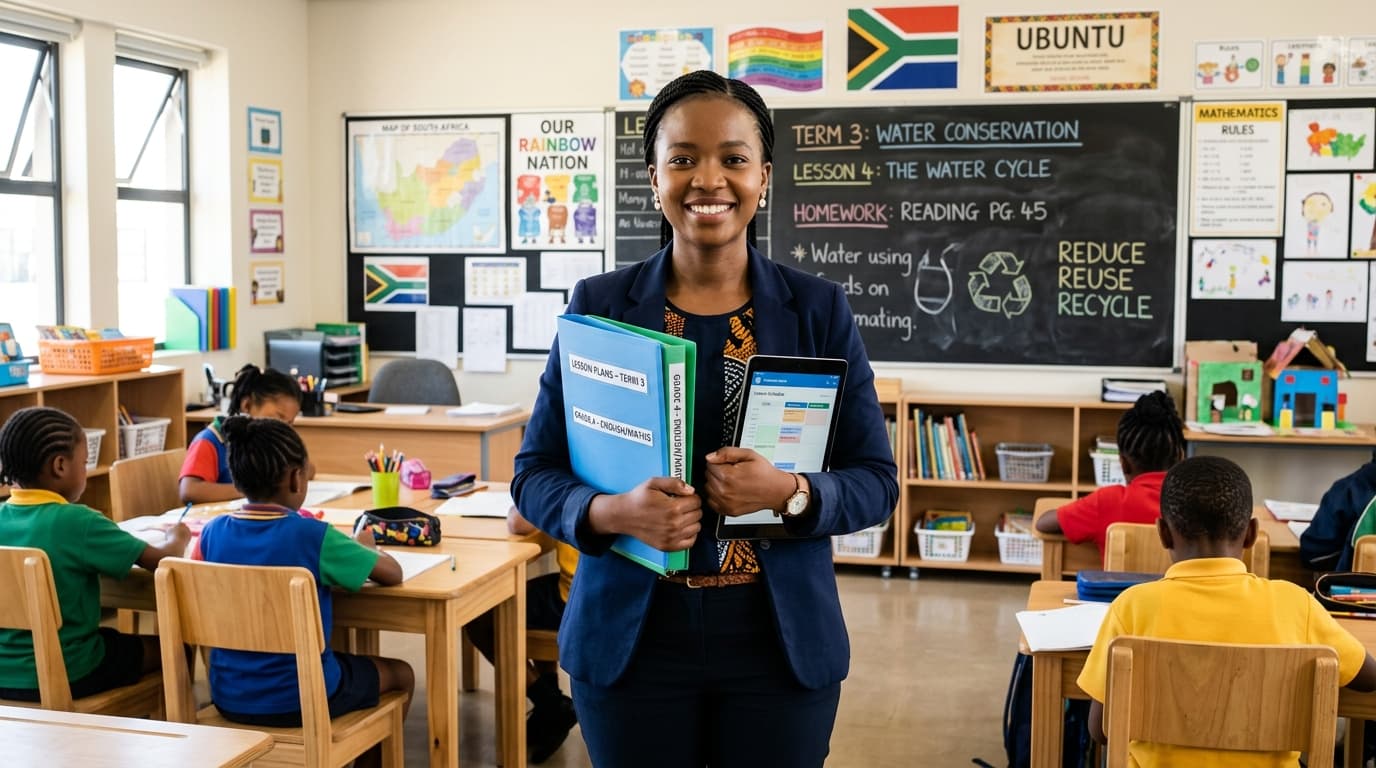
The Digital Frontier in South African Education
Being a teacher in South Africa today requires more than just subject matter expertise; it requires the resilience of a marathon runner and the adaptability of a tech specialist. We navigate a unique educational landscape characterized by the rigorous Curriculum and Assessment Policy Statement (CAPS), diverse socio-economic backgrounds, and the ever-present challenges of the "digital divide"—from high data costs to the unpredictability of load shedding.
However, the "new normal" has also ushered in a golden age of digital resources. For the South African educator, the goal isn't just to find any tool, but to find the right tool—one that is free, data-efficient, and directly applicable to our local context.
This guide provides an evidence-based selection of the best free websites and tools designed to reduce your administrative load, engage your learners, and bring the CAPS curriculum to life.
1. Curriculum and Core Content: The Bedrock of CAPS
The greatest challenge for many South African teachers is sourcing high-quality, curriculum-aligned material that doesn't require a monthly subscription. Fortunately, several local and international platforms have stepped up to bridge this gap.
Siyavula: The King of Maths and Science
When it comes to Mathematics and Physical Sciences, Siyavula is an institution. Originally a grassroots South African project, it has grown into a world-class platform.
- Why it works: The textbooks are Open Educational Resources (OER), meaning they are free to download as PDFs. This is vital for learners who cannot always be online.
- Teacher Benefit: Siyavula offers an intelligent practice service. While the full premium version has a cost, many South African mobile networks (like Vodacom and MTN) have historically zero-rated the site, allowing learners to practice without using data.
Thutong: The National Education Portal
While the interface may feel a bit "old school," Thutong remains the official Department of Basic Education (DBE) repository.
- Resources: It is the best place to find official past exam papers, memos, and policy documents.
- Strategic Use: Use the "Learning Spaces" section to find specific subject folders that contain lesson plans and work schedules designed specifically for the South African school calendar.
Mindset Learn
Mindset Learn has been a staple of South African educational broadcasting for years. Their website is a treasure trove of video lessons that cover the breadth of the CAPS syllabus for Grades 10–12.
- Application: These videos are excellent for "flipped classroom" models or for revision sessions. If you have a projector in your room, playing a 5-minute Mindset clip can clarify complex concepts in Geography or Life Sciences more effectively than a 30-minute lecture.
2. Low-Data Engagement and Assessment
In many South African classrooms, we cannot assume every learner has a smartphone or a stable home internet connection. We need tools that work in "low-tech" or "intermittent-tech" environments.
Plickers: The High-Tech Result with Low-Tech Gear
If you only have one smartphone and your learners have no devices at all, Plickers is your best friend.
- How it works: You print "paper clickers" (unique QR-like codes) for each learner. You ask a multiple-choice question on the board, learners hold up their cards, and you scan the room with your phone camera.
- The Magic: The app instantly records every learner's answer and produces a bar graph of the results. It is an incredible tool for formative assessment in rural or township schools where learner devices are unavailable.
Wordwall
Wordwall allows you to create interactive games like "Whack-a-Mole," crosswords, and quiz wheels.
- Local Advantage: You can create up to five activities for free, but the real value is in the "Community" search. Thousands of South African teachers have already created CAPS-aligned quizzes. Searching for "Grade 7 Social Sciences History" will yield dozens of ready-to-use games.
3. Visuals and Design: Making Learning Beautiful
A well-designed handout or a visually striking PowerPoint can significantly increase learner retention. You don’t need to be a graphic designer to produce professional materials.
Canva for Education
Canva is arguably the most powerful tool in a teacher’s arsenal. While there is a "Pro" version, Canva offers Canva for Education entirely free for K-12 teachers in South Africa.
- Features: Access to millions of premium images, templates for lesson plans, posters, and even reports.
- South African Context: You can easily create infographics that explain the water cycle in the context of the Vaal Dam or posters about the South African Bill of Rights. The "Brand Kit" feature allows you to keep your school’s logo and colors handy for all official documents.
Bitmoji and Classroom Avatars
Building rapport with learners is essential. Using Bitmoji to create a "Virtual Classroom" or adding your avatar to feedback stickers makes the digital experience feel personal and encouraging. It’s a small touch that humanizes the screen for learners who might feel alienated by technology.
4. Science and Mathematics Simulations
For schools without fully equipped laboratories, digital simulations provide a safe, cost-free way to conduct experiments.
PhET Interactive Simulations
Run by the University of Colorado Boulder, PhET offers free simulations for Physics, Chemistry, and Biology.
- The "Offline" Factor: This is the most critical feature for South African schools. You can download the entire PhET installer to a laptop or a USB drive. Once downloaded, you can run these simulations in a classroom with zero internet connection.
- Classroom Tip: Use the "Circuit Construction Kit" to teach series and parallel circuits—no more worrying about blown fuses or dead batteries in the lab!
Lesson Planner
Generate comprehensive, CAPS-aligned lesson plans in seconds.
GeoGebra
For Mathematics teachers, GeoGebra is the ultimate tool for graphing, geometry, and algebra. It helps learners visualize functions—a core requirement for the Grade 11 and 12 CAPS Math syllabus. Like PhET, it has offline versions for desktop and mobile.
5. Overcoming the Connectivity Challenge: The "Offline" Toolkit
We cannot talk about tech in SA without talking about load shedding and data costs. Being a "Smart Teacher" means having a plan for when the lights go out.
Kolibri
Kolibri is an open-source educational platform designed for communities with limited or no internet connectivity.
- Mechanism: You can download a massive library of content (including Khan Academy and Siyavula) onto one "server" device (like a laptop). Other devices in the classroom can then connect to that laptop via a local Wi-Fi network—even if that network isn't connected to the actual internet.
- Impact: This allows for a fully digital classroom experience in the middle of a power cut, provided your laptop battery is charged.
Pocket (Read It Later)
If you find a great educational article or a long-form blog post, use the "Pocket" app to save it. It strips away ads and saves the text for offline reading. This is a great way for teachers to engage in professional development during their commute or during scheduled power outages.
6. Planning and Productivity
Administrative "red tape" is a common complaint among South African educators. These tools help streamline the "paperwork" so you can focus on teaching.
Trello for Departmental Planning
If you are a Subject Head or a HOD, Trello is a life-saver. It uses a "Kanban board" system (columns and cards).
- Usage: Create a board for "Grade 9 EMS." Create columns for "Term 1," "Term 2," etc. Attach the relevant formal assessment tasks (FATs) and memos to the cards. This ensures that every teacher in your department has the latest version of every document, reducing "lost email" syndrome.
Google Workspace for Education
Most South African schools are moving toward the Google ecosystem. Beyond just email, Google Forms is an underrated gem.
- Self-Marking Quizzes: You can set up a Google Form to act as a quiz. It marks the multiple-choice questions automatically and exports the grades into a Google Sheet. This can save a teacher hours of manual marking every week.
7. Professional Development and Community
A teacher who stops learning is a teacher who stops being effective.
Schoolscape and Teacha!
- Teacha! (by Snapplify): This is the South African marketplace for teachers. While many resources are paid, there is a massive "Free" section where local teachers share their summaries, flashcards, and lesson plans specifically for CAPS.
- Schoolscape: They host webinars and events specifically for the South African market, focusing on how schools can integrate tech effectively.
8. Practical Implementation: A Step-by-Step Strategy
Knowing about these tools is only half the battle. Here is how to integrate them without burning out:
- Pick One Tool per Term: Don't try to use Canva, Plickers, and Siyavula all in one week. Master one, get your learners used to it, and then expand.
- Audit Your Data: Check which sites are zero-rated by your service provider. Encourage learners to use those specific sites for homework.
- The "Power-Up" Folder: Keep a folder on your desktop with offline-ready resources (PDFs, PhET simulations, downloaded YouTube videos). When load shedding hits, you can switch to these without skipping a beat.
- Collaborate: Share your Wordwall links or Canva templates with your colleagues. If four teachers each make one digital resource, you all end up with four.
Conclusion: The Heart of the Classroom
Technology will never replace the South African teacher. It cannot replace the way you encourage a struggling learner in their mother tongue, nor can it replace the passion you bring to a history lesson about our journey to democracy.
However, these free tools are the "force multipliers" that allow your passion to go further. They reduce the drudgery of marking, provide visuals where textbooks fall short, and prepare our learners for a digital global economy. By strategically using these resources, we don't just teach for the CAPS exam; we teach for the future.
The Mzansi classroom is a place of innovation. Let’s use these tools to build it together.
About the Author: Siyanda M. is a veteran educator and curriculum specialist based in Gauteng, focusing on the integration of ICT in under-resourced schools.
Siyanda M.
Dedicated to empowering South African teachers through modern AI strategies, research-backed pedagogy, and policy insights.