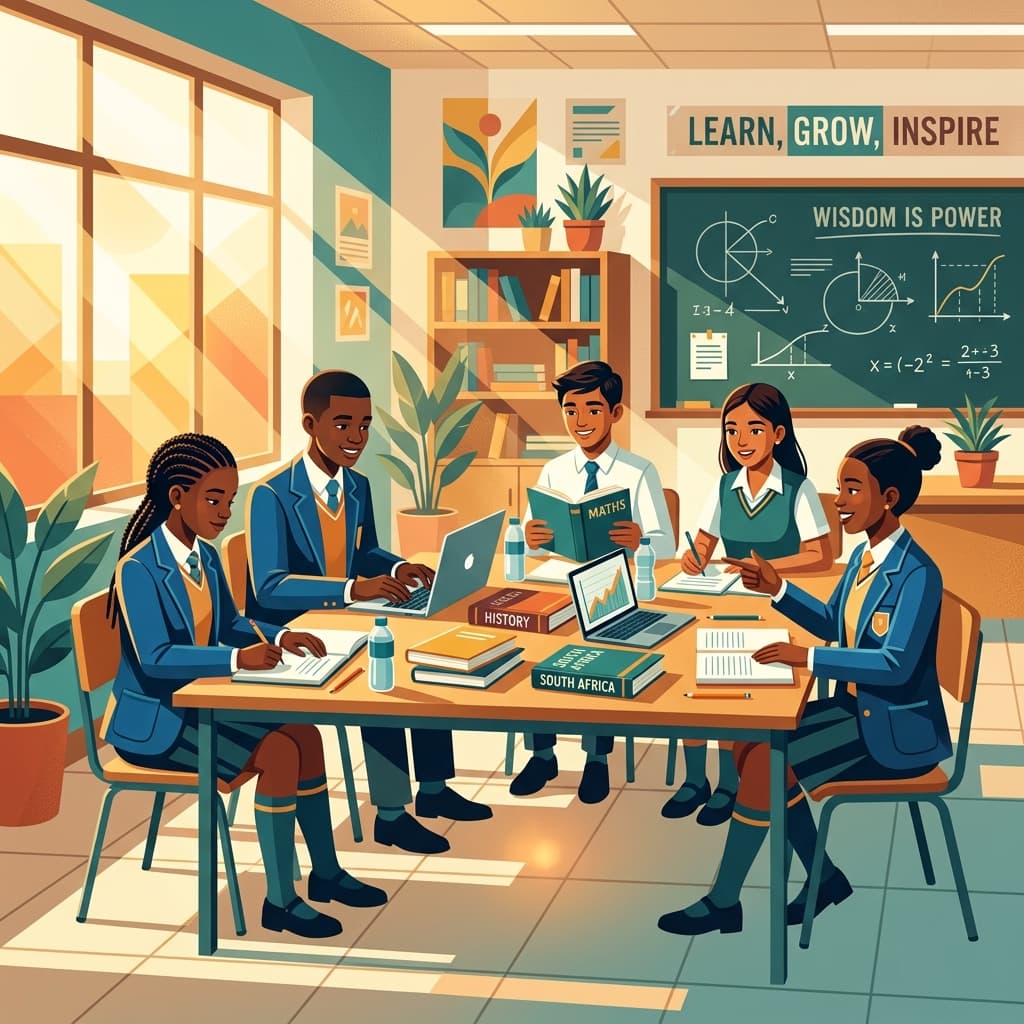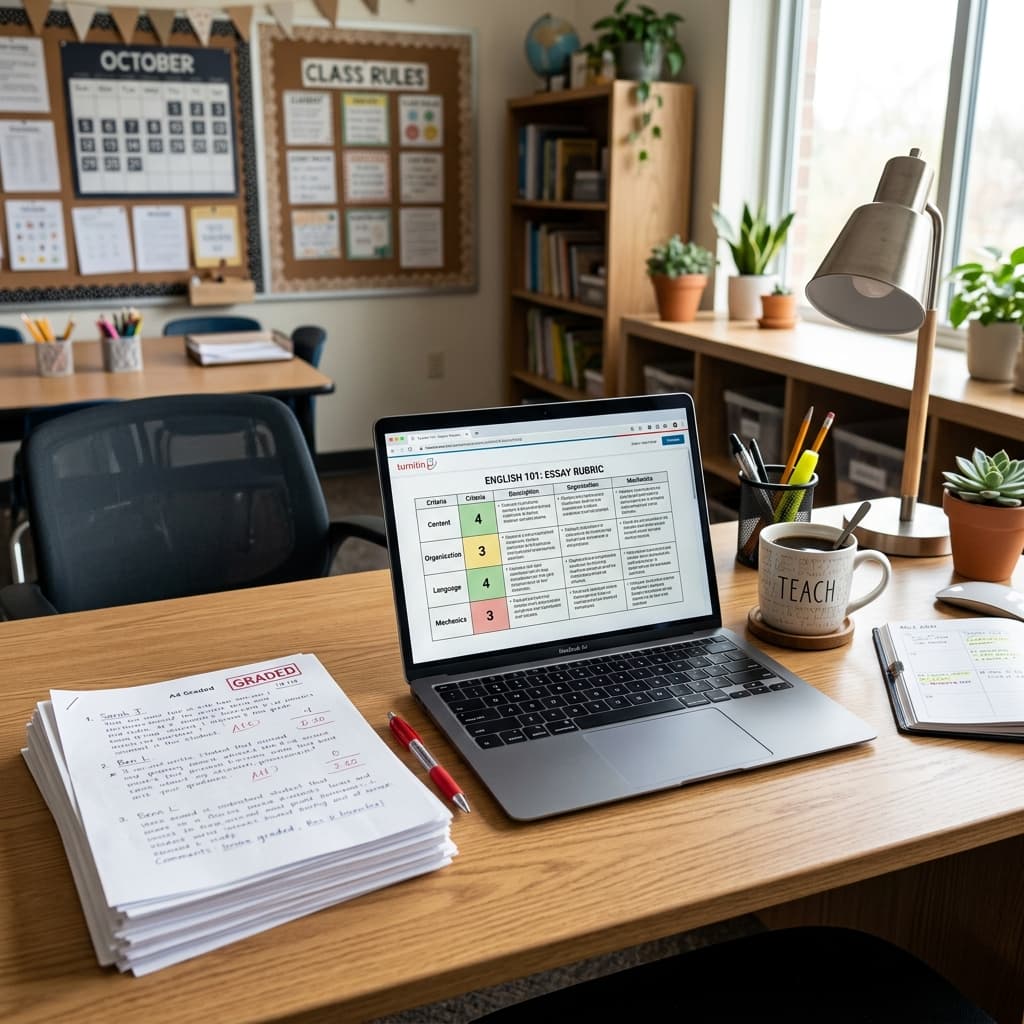
The educational landscape in South Africa, like the rest of the world, has undergone a profound transformation. As dedicated educators, you've met these changes with remarkable resilience, adapting your classrooms, your methodologies, and often, your entire approach to teaching. The move towards hybrid and remote learning, initially driven by necessity, has now become an integral part of our educational toolkit, offering both unique challenges and exciting opportunities. This shift demands not just technological proficiency, but also a renewed focus on pedagogical strategies that ensure every South African learner continues to receive a quality education aligned with the CAPS curriculum.
This comprehensive guide is crafted to support you, the frontline teachers, as you navigate the complexities of these dynamic learning environments. We'll explore practical strategies, digital tools, and mindset shifts that can help you not just survive, but truly thrive in hybrid learning SA and remote teaching environments, fostering engaged, successful learners.
Navigating the Evolving Educational Landscape
The journey into hybrid and remote learning can feel like uncharted territory, yet it’s an adventure we’re all on together. Understanding the nuances of these models is the first step towards mastering them.
Understanding Hybrid and Remote Learning
Let's clarify what we mean by these terms, as they often get used interchangeably, but have distinct characteristics in the South African context.
- Remote Learning: This model involves learners and teachers being geographically separated, with all instruction and learning activities conducted online. Think of learners learning from home, accessing content, participating in virtual lessons, and submitting assignments digitally. For many South African schools, this often meant leveraging platforms like WhatsApp for communication and distributing materials, given varying access to robust internet and devices.
- Hybrid Learning (or Blended Learning): This approach combines face-to-face classroom instruction with online learning activities. A learner might spend some days at school and other days learning remotely. This model offers flexibility and can be particularly beneficial for managing class sizes, but it demands careful coordination to ensure a seamless learning experience across both modes. It’s about leveraging the best of both worlds – the direct interaction of the classroom and the flexibility and resource richness of the digital space.
Regardless of the model, the core challenge remains: how do we maintain high educational standards, keep learners engaged, and ensure continuity in their learning journey while adhering to the CAPS curriculum?
Foundational Planning: Your Blueprint for Success
Effective hybrid and remote teaching doesn't happen by accident. It requires meticulous planning, thoughtful adaptation, and a proactive approach to resource management.
Adapting the CAPS Curriculum for Digital Delivery
The CAPS curriculum remains our guiding star, ensuring consistency and quality across all learning environments. Your primary goal is to ensure learners achieve the specified learning outcomes, irrespective of whether they are in the classroom or at home.
- Prioritise Learning Outcomes: Start by identifying the core knowledge, skills, and values stipulated in the CAPS document for your subject and grade level. What are the absolute essentials?
- Example (Grade 7 Natural Sciences): When covering "Matter and Materials," the CAPS curriculum requires learners to "investigate and describe properties of materials." While a hands-on lab might be challenging remotely, you can adapt:
- Remote: Learners could observe common household materials, describe their properties (e.g., density, solubility) using a structured observation sheet, and share their findings through photos or short video clips. A virtual simulation might demonstrate a concept like dissolving.
- Hybrid: Conduct initial observations and discussions in class, then assign a home-based investigation (e.g., testing the absorbency of different fabrics) for remote completion, followed by online data sharing and analysis.
- Example (Grade 7 Natural Sciences): When covering "Matter and Materials," the CAPS curriculum requires learners to "investigate and describe properties of materials." While a hands-on lab might be challenging remotely, you can adapt:
- Chunk Content into Manageable Segments: Long, uninterrupted lessons are difficult in any setting, but especially online. Break down CAPS topics into smaller, digestible chunks.
- Tip: If a typical CAPS lesson on "Fractions" in Grade 5 Mathematics takes 60 minutes in class, consider breaking it into two 30-minute segments online: one for direct instruction via video, and another for guided practice using an interactive whiteboard.
- Integrate Digital and Analog Resources: Think creatively about how technology can enhance, not just replace, traditional teaching methods.
- Digital Examples: Educational videos (Siyavula, Mindset Learn), interactive quizzes (Kahoot!, Quizizz), virtual field trips, online textbooks.
- Analog Examples (for remote/hybrid): Workbooks, practical activities using household items, reading physical books, journaling. Many South African learners still rely on printed materials, so providing these as supplementary resources is crucial.
Equipping Yourself and Your Learners
Access to technology is a significant hurdle in many South African communities. Your planning must account for these disparities to ensure inclusivity.
- Assess Technology Access: Before rolling out a fully digital strategy, conduct a survey (even a simple pen-and-paper one in class or a quick WhatsApp poll) to understand:
- Which learners have access to a smartphone, tablet, or computer?
- Who has reliable internet access (data bundles, Wi-Fi)?
- Are there shared devices in the household?
- This "digital audit" will inform your strategy.
- Focus on Basic Digital Literacy: Don't assume proficiency. Plan short, explicit lessons on:
- How to join a virtual meeting.
- How to submit an assignment online.
- Basic online etiquette (muting microphones, using chat functions).
- Create Accessible Resources:
- Low-Bandwidth Options: Prioritise text-based documents (PDFs), voice notes, and pre-recorded videos that can be downloaded once.
- Offline Access: Provide downloadable content that learners can access without continuous internet connection.
- Printable Materials: Always have print-friendly versions of your digital resources for learners without device access or who prefer working offline. This is particularly important for CAPS worksheets and activity sheets.
- Personal Readiness: Ensure your own technology is reliable. Have a backup plan for power outages or internet issues (e.g., pre-record key parts of your lesson, have a charged power bank).
Structuring Your Virtual Classroom
Consistency and routine are the bedrock of any successful learning environment, and even more so in remote settings where learners might lack external structure.
- Establish a Consistent Schedule: If possible, maintain a regular timetable for live online sessions, assignment deadlines, and feedback.
- Example: "Every Tuesday and Thursday morning, we'll have our Grade 9 English online lesson at 10:00."
- Implement Clear Routines: Just like in a physical classroom, routines reduce cognitive load and help learners feel secure.
- Opening Routine: Start each virtual lesson with a quick "check-in" or a warm-up activity.
- Lesson Flow: Clearly signpost the stages of the lesson (e.g., "Today we will explore... then you'll work on... finally, we'll discuss...").
- Closing Routine: Summarise key takeaways, preview the next lesson, and assign homework.
- Designated Learning Spaces (where possible): Encourage learners to establish a consistent, quiet space at home for learning, free from distractions. While this isn't always feasible, even a dedicated corner can make a difference.
- Use a Learning Management System (LMS) Consistently: Platforms like Google Classroom, Microsoft Teams, or even a structured WhatsApp group can act as your central hub for announcements, resources, assignments, and grades.
Fostering Engagement and Community Online
Keeping learners engaged when they are not physically present can be challenging. It requires intentional strategies to make the learning experience interactive and communal.
Strategies for Active Learner Participation
Passive listening to a teacher talk is even less effective online than in person. Embrace interactive approaches.
- Utilise Interactive Tools:
- Polls and Quizzes: Start lessons with a quick poll to gauge prior knowledge or end with a quiz to check understanding (e.g., via Zoom polls, Mentimeter, Google Forms).
- Digital Whiteboards: Tools like Jamboard, Whiteboard.fi, or even the annotation features on Zoom/Teams allow learners to collaboratively brainstorm, solve problems, or draw.
- Breakout Rooms: For group discussions, collaborative projects, or peer teaching. Ensure clear instructions and check-in frequently.
- Prompt for Discussion and Reflection:
- Open-ended Questions: Pose questions that encourage critical thinking rather than simple yes/no answers. Use the chat function or ask learners to unmute.
- "Think-Pair-Share" Virtually: Give learners a question, ask them to think about it, then discuss it in a breakout room with a partner before sharing with the larger group.
- Regular "Check-ins": Beyond academic content, ask how learners are doing. A quick emotional check-in can build rapport and identify those who might need extra support.
- Example: "On a scale of 1-5, how are you feeling about today's Maths topic?" or "Share one word that describes your mood today."
Building a Sense of Belonging
Social connection is vital for well-being and learning. In remote settings, these connections need to be deliberately fostered.
- Virtual Morning Meetings/Warm-ups: Start the week or day with a non-academic check-in. This could be sharing a weekend highlight, answering a fun question, or playing a quick game.
- Celebrate Achievements: Acknowledge birthdays, academic successes, and positive contributions publicly (e.g., in a class announcement, during a live session).
- Promote Digital Citizenship: Teach learners how to interact respectfully and responsibly online. Discuss netiquette, cyberbullying, and responsible content sharing.
- Activity: Co-create a set of "Online Classroom Rules" with your learners. This empowers them and ensures buy-in.
- Create Opportunities for Peer Interaction: Assign small group projects, virtual study buddies, or peer-feedback tasks.
Differentiating Instruction in a Mixed Environment
Our South African classrooms are incredibly diverse, and this diversity extends to remote learning capabilities and needs. Differentiation is paramount.
- Provide Multiple Pathways to Content:
- Visual Learners: Offer videos, infographics, and interactive simulations.
- Auditory Learners: Include audio recordings of lessons, podcasts, or online discussions.
- Kinesthetic Learners: Suggest hands-on activities, practical demonstrations (even if home-based), or opportunities to create something.
- Offer Flexible Pacing and Asynchronous Options: Recognise that not all learners can engage with live content at the same time or pace.
- Pre-recorded Lessons: Allow learners to watch lessons at their convenience and re-watch for reinforcement.
- Varied Deadlines: Provide a window for assignment submission rather than a rigid single deadline.
- Provide Differentiated Support Structures:
- Virtual Office Hours: Dedicated times when learners can drop in for one-on-one help.
- Small Group Tutoring: Offer targeted support sessions for learners struggling with specific concepts.
- Peer Support Networks: Encourage stronger learners to assist their peers.
- Tailor Assignments and Assessments:
- Offer choices in how learners demonstrate their understanding (e.g., write an essay, create a presentation, record a podcast, draw a comic strip).
- Adjust the complexity or length of tasks based on individual learner needs.
Effective Classroom Management in the Digital Realm
Classroom management in a virtual space requires a different set of strategies, but the core principles of clear expectations and consistent application remain.
Setting Clear Expectations and Norms
Just as you establish rules for behaviour in a physical classroom, explicit guidelines are essential for online learning.
- Co-create Virtual Etiquette Rules: Involve learners in developing guidelines for:
- Camera Usage: When should cameras be on/off?
- Microphone Etiquette: Muting when not speaking, raising a virtual hand to speak.
- Chat Box Usage: For questions, contributions, and avoiding off-topic conversations.
- Respectful Communication: How to provide feedback or disagree constructively.
- Establish a Participation Matrix: Define what "participation" looks like in the online environment (e.g., contributing to discussions, asking questions, completing polls, engaging with group work).
- Communicate Consequences: Clearly outline what happens if expectations are not met, focusing on restorative practices where possible (e.g., private chat to redirect, follow-up call with parents).
Monitoring and Supporting Learner Progress
It can be harder to "read the room" online. Proactive monitoring and consistent feedback loops are crucial.
- Utilise Digital Tools for Tracking:
- LMS Analytics: Many platforms provide data on learner engagement (e.g., who logged in, which resources were accessed, time spent on tasks).
- Online Quizzes/Polls: Provide instant feedback on understanding.
- Assignment Submission Tracking: Monitor who is submitting work and identify those falling behind.
- Regular Individual Check-ins: Schedule brief one-on-one virtual meetings with learners who appear disengaged or are struggling. A simple "How are you doing?" can open doors.
- Provide Timely and Specific Feedback: Don't let feedback accumulate. Return assignments promptly with clear, actionable comments. This keeps learners on track and motivated.
Lesson Planner
Generate comprehensive, CAPS-aligned lesson plans in seconds.
Addressing Digital Distractions and Safeguarding
The digital world comes with its own set of potential pitfalls.
- Minimising Digital Distractions:
- "Digital Parking Lot": Designate a place (e.g., a Padlet or a specific chat thread) for off-topic thoughts or questions that can be addressed later.
- Focused Tasks: Design activities that require active engagement, leaving less room for multitasking.
- Brief Breaks: Incorporate short "brain breaks" during longer online sessions to refresh attention.
- Cyberbullying Awareness and Prevention:
- Explicit Teaching: Discuss what cyberbullying looks like and its impact.
- Reporting Mechanisms: Ensure learners know how and to whom to report instances of cyberbullying or inappropriate behaviour.
- Teacher Monitoring: Regularly monitor online discussions and interactions within your learning platforms.
- Data Privacy and Security:
- Password Protection: Educate learners on creating strong passwords and not sharing them.
- Responsible Information Sharing: Teach about the dangers of sharing personal information online.
- Platform Security: Use reputable, secure educational platforms. Be mindful of POPIA regulations regarding learner data.
Rethinking Assessment and Feedback
Assessment in hybrid and remote settings needs to be reimagined to accurately measure learning and provide meaningful feedback, while also addressing concerns about academic integrity.
Authentic Assessment in Hybrid Models
Shift your focus from rote memorisation to assessments that measure higher-order thinking and practical application, aligning with CAPS curriculum outcomes.
- Projects and Portfolios: Learners can work on extended projects (e.g., researching a historical event in Grade 10 History, creating a business plan in Grade 9 EMS) over several weeks, collecting evidence of their learning in a digital portfolio.
- Presentations and Demonstrations: Have learners record video presentations or conduct live online demonstrations of skills (e.g., explaining a Maths problem, performing a simple science experiment).
- Self-Assessment and Peer Assessment: Empower learners to evaluate their own work and provide constructive feedback to peers using rubrics. This promotes metacognition and critical thinking.
- Open-Book and Problem-Solving Tasks: Design assessments that require learners to apply knowledge, analyse information, and solve complex problems, rather than simply recalling facts. This mitigates the temptation to cheat.
Providing Meaningful and Timely Feedback
Feedback is a dialogue, not just a grade. In digital environments, this dialogue can take various forms.
- Voice Notes and Video Feedback: Instead of just written comments, consider recording short voice notes or video clips for individual learners. This can convey tone, clarify instructions, and feel more personal.
- Rubric-Based Feedback: Share rubrics with learners before they start an assignment. Use these rubrics to provide clear, objective feedback on performance against specific criteria.
- Model Exemplar Work: Share anonymised examples of high-quality work to show learners what success looks like.
- Dedicated Feedback Sessions: Schedule brief one-on-one or small-group virtual sessions to discuss feedback on major assignments.
Maintaining Academic Integrity
This is a common concern in remote learning. While no system is foolproof, a multi-pronged approach can help.
- Design Creative and Unique Assessments: If every learner gets the same generic multiple-choice quiz, opportunities for cheating increase. Personalise tasks where possible.
- Use Plagiarism Detection Tools: Software like Turnitin (if available) can help identify plagiarism in written assignments. Educate learners about academic honesty and the consequences of plagiarism.
- Supervised Online Quizzes (where feasible): If your LMS allows, you might use lockdown browsers or remote proctoring tools for high-stakes assessments, though these come with their own challenges regarding equity and access.
- Focus on Process over Product: Incorporate checkpoints throughout projects, where learners submit drafts, outlines, or reflections on their work. This makes it harder to simply copy a final product.
- Build Relationships and Trust: A strong teacher-learner relationship, built on mutual respect, often reduces the inclination to cheat.
Leveraging Technology as an Ally
Technology is a powerful tool, but it should serve pedagogy, not drive it. Choose tools that genuinely enhance learning and are accessible to your South African learners.
Essential Digital Tools for South African Classrooms
Prioritise tools that are free, low-cost, or widely supported, and always consider ease of use and data consumption.
- Learning Management Systems (LMS):
- Google Classroom: Widely used, integrates well with Google Suite (Docs, Slides, Forms), and is often zero-rated for data on specific networks in SA. Excellent for distributing CAPS resources, collecting assignments, and communicating.
- Microsoft Teams: Strong integration with Microsoft Office 365, good for collaboration and virtual meetings.
- Moodle: An open-source option, highly customisable, but requires more technical setup.
- Communication Tools:
- WhatsApp: Ubiquitous in South Africa. Useful for quick announcements, voice notes, sharing documents, and parent communication (ensure group rules are strict).
- ClassDojo: Good for parent-teacher communication, behaviour management, and sharing classroom moments.
- Collaboration and Interactive Whiteboards:
- Jamboard (Google): A free, simple digital whiteboard for brainstorming, sticky notes, and drawing.
- Padlet: A versatile digital corkboard for collecting ideas, links, images, and videos from multiple learners simultaneously.
- Mentimeter/Poll Everywhere: For live polls, word clouds, and Q&A sessions.
- Content Creation and Curation:
- Canva: For creating visually appealing presentations, infographics, and worksheets.
- YouTube/Siyavula/Mindset Learn: Vast repositories of educational videos aligned with CAPS. Curate playlists for your learners.
- Assessment Tools:
- Google Forms/Microsoft Forms: For creating quizzes, surveys, and collecting quick feedback.
- Quizizz/Kahoot!: Gamified quizzes for formative assessment and engagement.
Accessibility and Inclusivity Considerations
Digital learning must be accessible to all, especially given the diverse socio-economic realities in South Africa.
- Low-Bandwidth Content: Prioritise text, static images, and compressed audio/video. Encourage learners to download content during off-peak hours or when they have Wi-Fi access.
- Text-to-Speech and Speech-to-Text: Utilise built-in device features to support learners with reading difficulties or to aid in writing.
- Captions and Transcripts: Provide captions for videos and transcripts for audio recordings to assist learners with hearing impairments or those in noisy environments.
- Offline Access: Design content and activities that can be completed offline and then synced or submitted once an internet connection is available.
Prioritising Well-being: For You and Your Learners
The demands of hybrid and remote learning can be intense. It’s crucial to proactively manage workload and support mental and emotional health.
Managing Teacher Workload and Preventing Burnout
You cannot pour from an empty cup. Sustaining yourself is as important as sustaining your learners.
- Set Clear Boundaries: Define your "working hours" and stick to them. Avoid checking emails or responding to messages late into the evening. Communicate these boundaries to learners and parents.
- Batch Tasks: Respond to emails, grade assignments, or plan lessons in dedicated blocks of time rather than constantly multitasking.
- Automate Where Possible: Use scheduling tools, pre-recorded messages, and self-grading quizzes to free up your time.
- Prioritise and Delegate: Not everything needs to be perfect. Focus on the most impactful tasks. If you have colleagues, share resources and responsibilities.
- Schedule Regular Breaks: Step away from your screen. Get some fresh air. Do something you enjoy.
- Seek Support: Connect with colleagues, participate in teacher communities (online or in-person), and don't hesitate to reach out to school leadership if you're feeling overwhelmed. Teacher professional development SA often includes workshops on stress management.
Promoting Learner Digital Wellness
Excessive screen time and constant connectivity can impact learners' physical and mental health.
- Educate on Screen Time Management: Teach learners about healthy screen habits, the importance of breaks, and avoiding eye strain.
- Encourage Digital Breaks: Design lessons with built-in "off-screen" activities or short physical breaks.
- Balance Online and Offline Activities: Ensure that remote learning doesn't solely rely on screens. Encourage reading physical books, engaging in hands-on projects, and outdoor play.
- Promote Self-Care: Discuss the importance of sleep, healthy eating, and physical activity.
Building a Collaborative Ecosystem
Successful education is a team sport. In hybrid and remote models, collaboration with parents and other educators becomes even more critical.
Engaging Parents and Guardians
Parents are key partners, especially when learning extends into the home.
- Regular and Clear Communication: Use accessible channels (WhatsApp, SMS, school app) to provide updates on schedules, assignments, and expectations.
- Tip: Provide information in home languages where possible.
- Provide Technology Support (where feasible): Offer guidance or resources to parents who might struggle with online platforms. A short video tutorial on "How to access Google Classroom" can be invaluable.
- Set Realistic Expectations: Acknowledge that parents are not teachers. Clarify their role in supporting learning (e.g., providing a quiet space, checking in on progress) rather than direct instruction.
- Build a Partnership: Frame communication as a team effort for the learner's benefit. Listen to their concerns and offer solutions.
Professional Growth in the Digital Age
The shift to hybrid and remote learning is an ongoing learning curve for everyone. Embrace continuous professional development.
- Online Courses and Webinars: Many organisations offer free or affordable courses on digital pedagogy, specific tool training, and CAPS curriculum online delivery.
- Join Teacher Communities: Connect with other South African educators online (e.g., Facebook groups for SA teachers, provincial education department forums) to share strategies, troubleshoot problems, and find support. Sharing best practices is incredibly powerful.
- Experiment and Reflect: Don't be afraid to try new tools or techniques. Reflect on what worked, what didn't, and why. Share your findings with colleagues.
- Stay Updated: The digital landscape evolves rapidly. Keep an eye on new educational technologies and research in blended learning for South African teachers.
The transition to hybrid and remote learning has undoubtedly presented unprecedented challenges, but it has also highlighted the incredible adaptability, creativity, and unwavering dedication of South African teachers. You've demonstrated that quality education, deeply rooted in the CAPS curriculum, can continue to flourish even in the most unconventional settings. By embracing thoughtful planning, fostering engaging digital environments, leveraging technology wisely, and prioritising well-being, you are not just navigating the present; you are shaping the future of education for every South African learner. Keep innovating, keep collaborating, and keep inspiring – your impact is immeasurable.
Siyanda. M
Dedicated to empowering South African teachers through modern AI strategies, research-backed pedagogy, and policy insights.