Unlocking Potential: A South African Teacher's Guide to Integrating EdTech into Your CAPS Lesson Plans
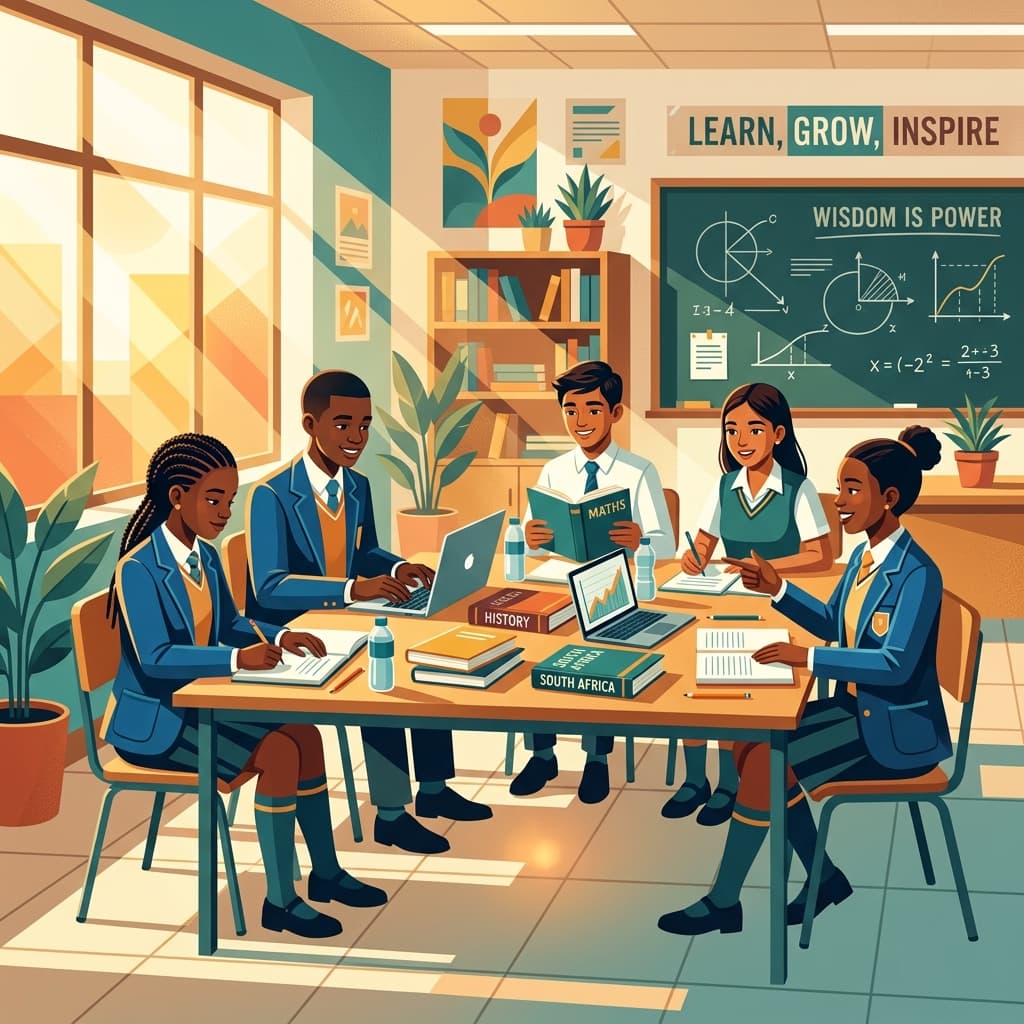
In the dynamic and demanding world of South African education, teachers are modern-day superheroes. You navigate large, diverse classrooms, adhere to the rigorous standards of the CAPS curriculum, and strive to ignite a passion for learning in every child. Now, a new element has entered the arena: Educational Technology (EdTech). For many, it can feel like one more thing on an already overflowing plate. But what if we reframed our thinking? What if EdTech wasn't another burden, but a powerful ally to make your teaching more impactful, your admin more manageable, and your lesson planning more effective?
This comprehensive guide is designed specifically for you, the South African teacher. We'll move beyond the buzzwords and provide a practical, CAPS-focused roadmap for integrating technology into your daily teaching. We will explore how to enhance your existing lesson plan template and supercharge your lesson planning for teachers process, ensuring every digital tool serves a clear pedagogical purpose aligned with the CAPS lesson plan requirements.
The 'Why': EdTech in the Unique South African Classroom Context
Before diving into the 'how', it's crucial to understand the 'why'. Integrating technology isn't about having the fanciest gadgets; it's about solving real-world classroom challenges that are all too familiar to us in South Africa.
1. Bridging Gaps in Large Classrooms: In a class of 45+ learners, individual attention is a luxury. EdTech can provide personalised learning pathways. A struggling maths learner can use a platform like Khan Academy for extra practice on a specific concept, while an advanced learner explores a more complex problem, all during the same lesson.
2. Making Abstract CAPS Concepts Concrete: How do you explain the water cycle, the structure of a cell, or the Battle of Blood River in a way that truly resonates? EdTech brings learning to life. A YouTube video, a virtual tour of the Voortrekker Monument via Google Arts & Culture, or an interactive PhET simulation for science can make abstract concepts tangible and memorable.
3. Developing 4IR Skills: The Fourth Industrial Revolution is here. We have a responsibility to equip our learners with the digital literacy, critical thinking, and collaborative skills they need for the future job market. Purposeful EdTech integration is a direct way to build these competencies within the CAPS framework.
4. Easing the Administrative Burden: Lesson planning for teachers is an immense task. The paperwork, the formatting, the constant need to prove CAPS alignment—it all takes time away from your core mission. This is where smart EdTech tools, designed for planning and administration, become absolute game-changers.
Of course, we must acknowledge the realities: the digital divide, inconsistent connectivity, and the dreaded load shedding. This guide is not about a utopian classroom where every learner has a tablet. It's about smart, realistic strategies that work even when resources are limited.
The Foundation: Supercharging Your CAPS Lesson Plan Template with EdTech
Effective EdTech integration doesn't start with an app; it starts with a solid pedagogical foundation. Your CAPS lesson plan is that foundation. The goal is to weave technology into the fabric of your plan, not just sprinkle it on top. Let's break down a standard lesson plan template and identify key integration points.
1. Learning Objectives (CAPS-Aligned)
Your objectives remain the anchor. Ask yourself: "Can a technology tool help my learners achieve this specific CAPS objective more effectively or efficiently?"
- Traditional: Learners will be able to identify the key provinces of South Africa.
- EdTech Enhanced: Learners will use Google Earth to virtually 'fly' to each province, identifying key landmarks and justifying its capital city, thereby achieving a deeper spatial understanding.
2. Resources & Materials
This section of your lesson plan template is where you explicitly list your digital tools. Be specific!
- Instead of: "Video about photosynthesis."
- Be Specific: "YouTube Video: 'Photosynthesis for Kids' by SciShow Kids (link: [URL]). Backup: Downloaded MP4 file on a USB stick in case of Wi-Fi failure."
- List apps: Kahoot! quiz, PhET simulation, Google Slides link, etc.
3. Lesson Introduction (The "Hook")
How do you capture attention in the first five minutes?
- Low-Tech: Ask a thought-provoking question.
- High-Tech:
- Use Mentimeter or a similar polling tool to conduct a quick, anonymous poll about learners' prior knowledge. The results appear live on screen, creating immediate engagement.
- Show a powerful, short (1-2 minute) video clip related to the topic.
- Display a fascinating image or historical map using a projector.
4. Development of the Lesson (The "Meat")
This is where the core teaching and learning happens. Technology can transform this phase from passive reception to active exploration.
- Teacher-Led (with Tech): Use a smartboard or projector to annotate texts, diagrams, or maps in real-time. Use a tool like Google Slides for a more dynamic presentation than a simple chalkboard.
- Learner-Centred (Group/Individual):
- Research: Learners use specific, pre-vetted websites (or a tool like a Wakelet) to research a topic. This teaches digital research skills.
- Creation: Instead of a poster, learners create a one-page Google Doc summary, a short Canva infographic, or a single-slide presentation. This is excellent for developing digital literacy.
- Simulation: For Science and Maths, interactive simulations from platforms like PhET Colorado are invaluable for allowing learners to manipulate variables and see outcomes in a way that's impossible in a physical lab.
5. Consolidation & Connection
How do you wrap up the lesson and check for understanding?
- Exit Tickets: Instead of paper slips, use a quick Google Form with 2-3 questions. The data is instantly collected and collated for you, making it easy to see who understood the lesson.
- Collaborative Mind Map: Use a tool like Miro or a Google Jamboard where the whole class can contribute key takeaways to a shared digital canvas.
6. Assessment
Assessment is a critical part of any CAPS lesson plan. EdTech can make it more efficient, engaging, and data-rich.
- Formative Assessment (During the lesson):
- Kahoot! or Quizziz: Gamified quizzes that provide immediate feedback to both the learner and the teacher. You can instantly see which questions were the most difficult for the class.
- Plickers: A fantastic low-tech/high-tech hybrid. Learners hold up unique QR-like cards, and the teacher scans the room with a single smartphone. It's a way to get digital data without needing any devices for the learners.
- Summative Assessment: While formal exams are often pen-and-paper, assignments and projects can be submitted via a Google Classroom or a shared drive, making marking and feedback more streamlined.
The Process: A Step-by-Step Guide to Smart Integration
Now that we know where EdTech can fit, let's look at how to plan for it.
Lesson Planner
Generate comprehensive, CAPS-aligned lesson plans in seconds.
Step 1: Start with Pedagogy, Not the App. The most common mistake is finding a "cool app" and then trying to build a lesson around it. Reverse that. Start with your CAPS objective. What do you want your students to learn and be able to do? Only then should you ask, "Is there a digital tool that can help us achieve this better?" The lesson planning for teachers process must always be driven by learning outcomes.
Step 2: Know Your Context (The Reality Check).
- Device Access: Who has the device? Is it just you (teacher-led model)? Or do learners have access to a computer lab or tablets (learner-centred model)? Plan accordingly.
- Connectivity: Is the school's Wi-Fi reliable? If not, focus on apps that work offline or pre-download all your resources. Always have a non-digital backup plan. This is non-negotiable in the face of load shedding.
- Learner Skills: What is the digital literacy level of your learners? You may need to build in a 5-minute mini-lesson on how to use a new tool.
Step 3: Choose the Right Tool for the Job (The SAMR Model). The SAMR model is a simple framework to help you think about the level of technology integration.
- Substitution: The tech is a direct substitute with no functional change (e.g., typing an essay in Word instead of writing it). This is a good starting point.
- Augmentation: The tech is still a substitute but adds functional improvements (e.g., using spellcheck and a thesaurus in Word).
- Modification: The tech allows for a significant redesign of the task (e.g., instead of an essay, learners create a collaborative Google Slides presentation with embedded videos and links).
- Redefinition: The tech allows for the creation of brand-new tasks that were previously inconceivable (e.g., learners create a podcast documentary, collaborating with a class in another province via Zoom).
You don't always need to be at the Redefinition level. Effective teaching involves using the right level for the right task.
The Game-Changer: Professional, CAPS-Aligned Planning in Minutes
We've discussed the theory, the strategies, and the challenges. The single biggest hurdle remains: time. The meticulous process of creating a detailed, CAPS-compliant lesson plan template that also incorporates EdTech is incredibly time-consuming.
This is precisely the problem that SA Teachers was created to solve.
As South African educators, we understand the immense pressure you're under. You need to produce professional, standardised documents that prove curriculum coverage and thoughtful planning. Wrestling with Word documents, formatting tables, and manually copying and pasting CAPS details is a drain on your most valuable resource: your time and energy.
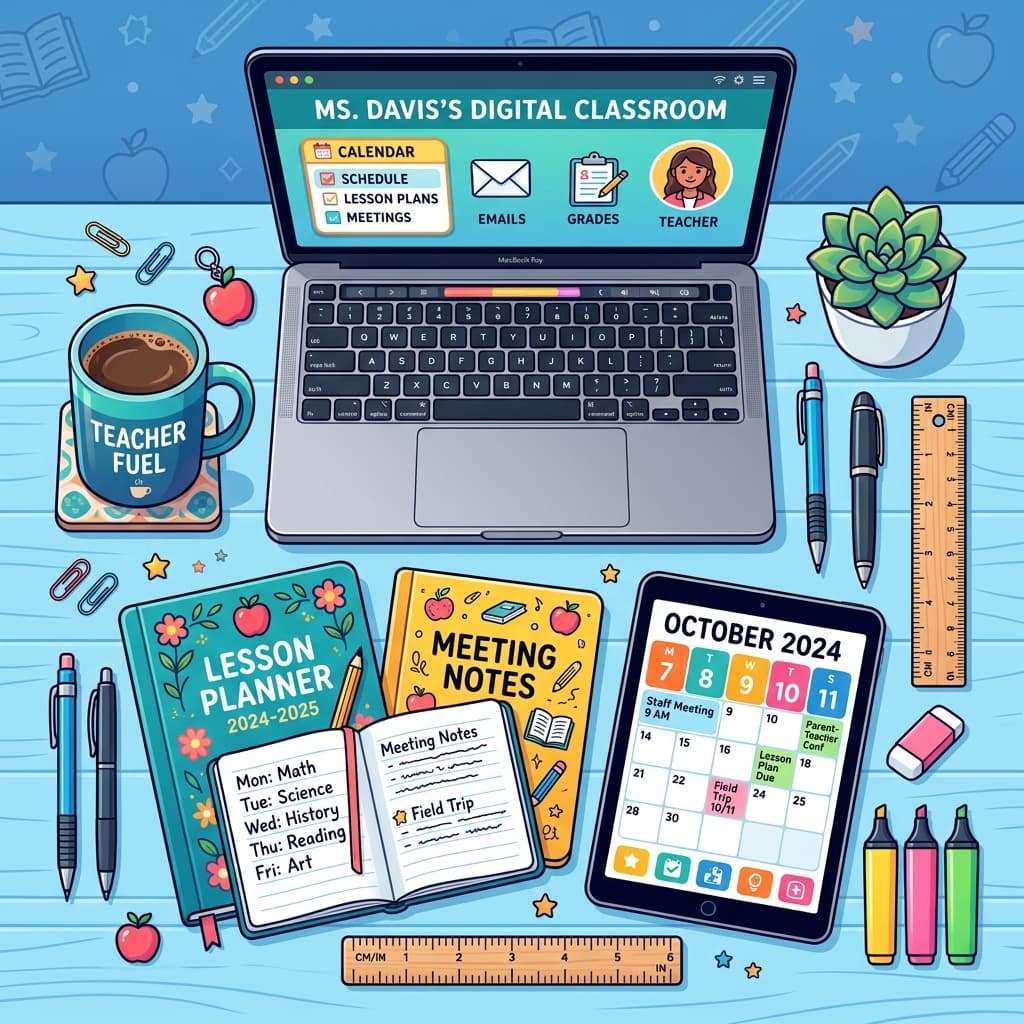
That’s why we developed the automated Lesson Planner tool, available exclusively on the SA Teachers platform. It is the premier solution for South African teachers looking to streamline their planning and reclaim their weekends.
Here’s how the SA Teachers Lesson Planner revolutionises your lesson planning for teachers:
Guaranteed CAPS Alignment: Our planner is built around the CAPS curriculum. You simply select your grade, subject, and term, and the relevant topics and skills are populated for you. This eliminates the guesswork and guarantees your CAPS lesson plan is always compliant.
Professional, Standardised Structure: Forget about formatting issues. The tool automatically generates a perfectly structured, professional lesson plan that meets the expectations of any department head or subject advisor. It includes all the essential fields: Learning Objectives, Resources, Introduction, Development, Assessment, and more.
Seamless EdTech Integration: The "Resources" section is designed for modern teaching. You can easily paste links to your chosen YouTube videos, PhET simulations, Kahoot! quizzes, and Google Docs. Your entire lesson, including all digital components, is organised in one clean, professional document.
Incredible Time Savings: What used to take an hour of frustrating administrative work can now be accomplished in a matter of minutes. This frees you up to focus on what truly matters: finding creative ways to teach and connecting with your learners.
Stop letting the paperwork of planning hold you back. The SA Teachers Lesson Planner is more than just a tool; it's your professional assistant, ensuring your hard work and creativity are captured in a perfectly formatted, CAPS lesson plan every single time.
Conclusion: Your Partner in Modern Education
Integrating EdTech into your South African classroom is not about replacing the magic of great teaching. It's about augmenting it. It's about using powerful tools to solve persistent challenges, to engage learners on a deeper level, and to prepare them for the world beyond your classroom walls.
The journey begins with thoughtful planning. It starts with your lesson plan template, ensuring every technological element serves a clear, CAPS-aligned purpose. It involves being realistic about your context and always having a backup plan.
Most importantly, it involves valuing your own time and expertise. Let technology handle the administrative burden so you can focus on the art and science of teaching.
Ready to revolutionise your lesson planning and create more time for what you love? Explore the SA Teachers Lesson Planner tool today and experience the power of effortless, professional, and perfectly CAPS-aligned planning. Your journey to becoming a tech-empowered educator starts now.
Andile M.
Dedicated to empowering South African teachers through modern AI strategies, research-backed pedagogy, and policy insights.