Unlocking Potential: Technology for Inclusive Education in South Africa - Case Study 81
The dream of a truly inclusive classroom in South Africa, where every learner, regardless of their unique needs, feels supported, engaged, and empowered to reach their full academic potential, is a powerful one. As educators navigating the dynamic landscape of the CAPS curriculum, we are constantly seeking innovative ways to bridge gaps and foster learning environments that cater to diverse abilities. This is precisely where the strategic integration of technology emerges as a transformative force.
In this 81st installment of our ongoing exploration into the practical application of educational technology in South African schools, we delve into a compelling case study that highlights how thoughtful technological implementation can champion inclusive education. We’ll move beyond theoretical discussions to examine real-world scenarios, drawing inspiration from the realities faced by teachers across our nation, from bustling urban centres to remote rural communities.
Understanding Inclusive Education in the South African Context
Before we unpack the technological solutions, it's crucial to ground our understanding in the South African reality. Inclusive education, as envisioned in our policy framework and as lived by our teachers, means more than just placing learners with disabilities in mainstream classrooms. It's about:
- Addressing Diverse Learning Needs: This includes learners with physical, sensory, intellectual, or learning disabilities, as well as those with giftedness, those from disadvantaged socio-economic backgrounds, and those who are English Second Language (ESL) speakers.
- Differentiated Instruction: Tailoring teaching approaches, content, and assessment to meet the individual learning styles, paces, and abilities of each student.
- Creating a Sense of Belonging: Ensuring all learners feel valued, respected, and an integral part of the classroom community.
- Overcoming Barriers: Identifying and dismantling physical, attitudinal, and systemic barriers that hinder participation and learning.
- Alignment with CAPS: Effectively implementing the Curriculum and Assessment Policy Statement (CAPS) in a way that is accessible and beneficial to all learners.
Our challenges are unique. We grapple with resource constraints, large class sizes, varying levels of digital literacy among both teachers and learners, and the vast geographical disparities that characterise our country. Technology, therefore, must be viewed not as a luxury, but as a strategic tool to mitigate these challenges and amplify our pedagogical efforts.
Case Study 81: Bridging the Literacy Gap with Assistive Technology
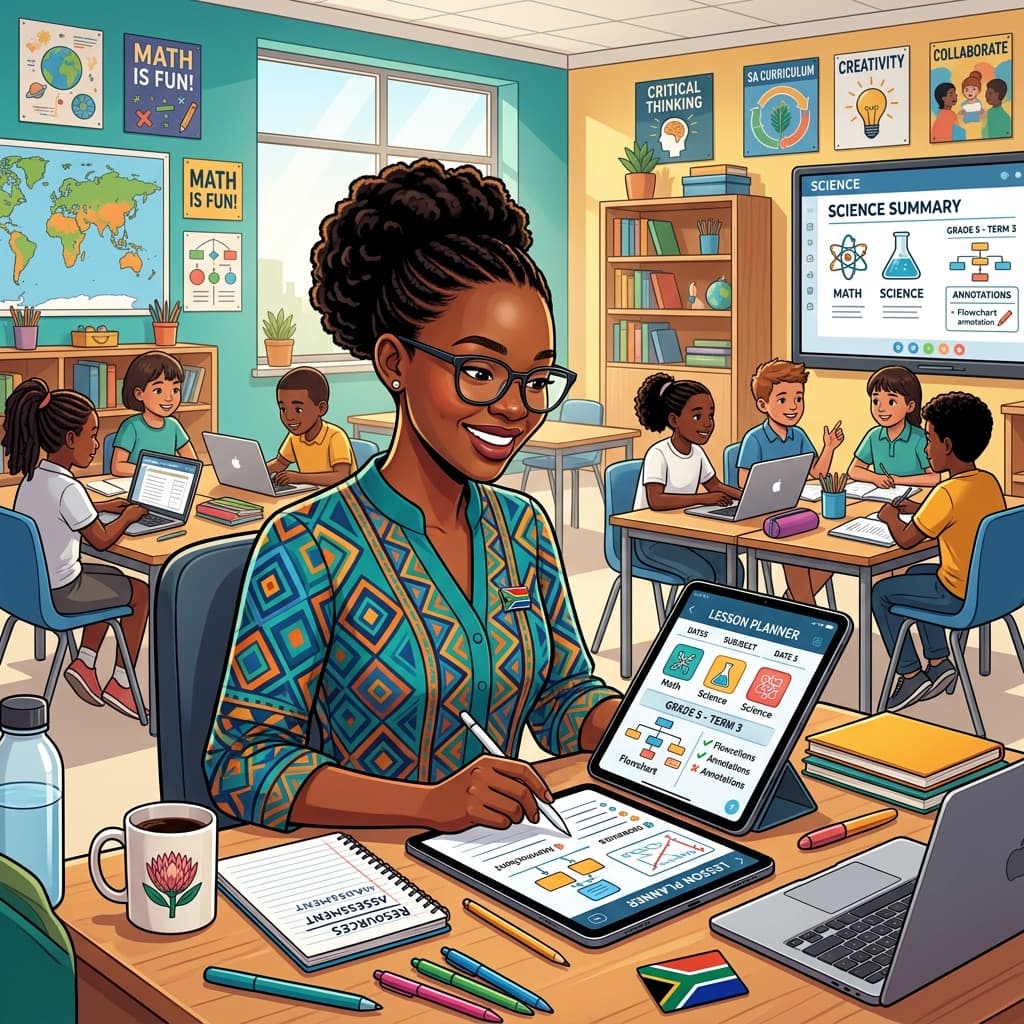
Our focus in Case Study 81 is on a Grade 4 classroom in a peri-urban primary school in the Western Cape. This class presented a significant challenge: a diverse range of reading and writing abilities, including several learners with diagnosed dyslexia and others who were struggling significantly with foundational literacy skills due to various factors. The teacher, Ms. Nomvula, was committed to ensuring these learners did not fall behind their peers as the curriculum progressed into more complex reading comprehension and written expression demands.
The Challenge:
Ms. Nomvula observed:
- Learners with dyslexia experiencing frustration and anxiety when tasked with reading aloud or completing written assignments.
- A widening gap in comprehension between learners who could decode text easily and those who struggled.
- Difficulty in providing consistent, individualised support to each struggling learner within a class of 35 students.
- The pressure to cover the CAPS syllabus effectively while also addressing these foundational literacy deficits.
The Technological Intervention: A Multi-pronged Approach
Ms. Nomvula, with support from the school's IT facilitator and a provincial curriculum advisor, implemented a phased approach focusing on assistive technology and digital learning tools that directly addressed the literacy challenges.
Phase 1: Text-to-Speech and Speech-to-Text for Decoding and Expression
- Tool: A combination of built-in accessibility features on classroom computers/tablets (where available) and a selected, affordable text-to-speech (TTS) and speech-to-text (STT) software.
- Implementation:
- Text-to-Speech (TTS): Ms. Nomvula identified key reading passages from the CAPS-aligned English Home Language and Afrikaans First Additional Language textbooks. These were uploaded or copied into the TTS software. Learners who struggled with decoding could then listen to the text being read aloud, allowing them to focus on comprehension rather than the arduous process of sounding out words. This was particularly beneficial for learners with dyslexia, as it bypassed the decoding barrier.
- Speech-to-Text (STT): For written tasks, learners who found the physical act of writing or spelling challenging could dictate their answers. The STT software transcribed their spoken words into text. This allowed them to express their ideas without being hindered by spelling or handwriting difficulties. Ms. Nomvula would then assist with minor edits for clarity and accuracy.
- CAPS Alignment: This directly supported the Language and Literacy strand of CAPS, enabling learners to engage with prescribed texts and complete written tasks as required by the curriculum. It facilitated participation in oral and written activities, crucial for language development.
- Practical Advice for SA Teachers:
- Explore Free/Built-in Options First: Before investing, investigate the accessibility features on the devices you already have. Most operating systems have TTS and STT capabilities.
- Start Small: Introduce one tool at a time. Focus on a specific task or a group of learners.
- Teacher Training is Key: Ensure you are comfortable using the technology before introducing it to learners. Seek out free online tutorials or school-based training.
- Learner Training & Practice: Dedicate time to teach learners how to use the tools effectively. Consistent practice is vital for them to become proficient.
- Phased Rollout: Consider a pilot phase with a few learners or a specific subject before a wider implementation.
- Consider Offline Capabilities: For areas with intermittent internet access, prioritize tools that offer offline functionality.
Phase 2: Digital Reading Comprehension Tools and Visual Aids
- Tool: Interactive digital readers that allow for annotation, highlighting, and built-in dictionaries, alongside visualisers to display text or images for the whole class.
- Implementation:
- Interactive Readers: Ms. Nomvula utilised digital versions of reading material where available. These platforms often allowed learners to click on unfamiliar words for definitions, highlight key sentences, and make digital notes. This supported learners with comprehension difficulties by providing immediate access to support and encouraging active engagement with the text.
- Visualisers: For learners who benefited from seeing text enlarged or clarified, Ms. Nomvula used a visualiser connected to the projector. This allowed her to display specific vocabulary words, sentences requiring analysis, or even visual aids to support understanding of abstract concepts in subjects like Natural Sciences or Social Sciences.
- CAPS Alignment: Enhanced engagement with reading comprehension objectives across all subjects, particularly in Literacy and Numeracy, as well as supporting the understanding of concepts in Social Sciences and Natural Sciences.
- Practical Advice for SA Teachers:
- Leverage School Libraries/Digital Resources: Many provincial education departments offer access to digital library resources or specific learning platforms.
- Create Your Own Visual Aids: If a visualiser isn't available, a document camera or even a good quality scanner can be used to digitise and display printed materials.
- Focus on Interactivity: Look for tools that go beyond static text and encourage active participation.
- Accessibility First: When choosing digital readers, prioritise those with adjustable font sizes, colour contrast options, and clear navigation.
Phase 3: Collaborative Digital Tools for Peer Learning and Expression
- Tool: Simple, accessible online collaborative document platforms (e.g., Google Docs, Microsoft Word Online) for group work and shared writing.
- Implementation:
- Group Projects: Learners were assigned to small groups to work on shared writing tasks or research projects. Using collaborative documents allowed learners with different strengths to contribute simultaneously. For instance, a learner strong in ideas could dictate content via STT, while another could focus on organising paragraphs or editing. This fostered a sense of teamwork and allowed learners to learn from each other’s contributions.
- Peer Feedback: Groups could also use these platforms to provide constructive feedback on each other's work, promoting valuable communication and editing skills.
- CAPS Alignment: Fostered skills in collaboration, communication, and critical thinking, all vital components of the CAPS curriculum, particularly in subjects requiring project-based learning and written reports.
- Practical Advice for SA Teachers:
- Simplicity is Key: Choose platforms that are intuitive and require minimal technical expertise.
- Clear Task Design: Structure group tasks clearly to ensure equitable participation and prevent one learner from dominating.
- Digital Citizenship: Explicitly teach learners about responsible online behaviour, respect for others' contributions, and academic integrity.
- Monitor Progress: Regularly check in on group progress and provide guidance as needed.
- Offline Backups: Ensure learners know how to save their work offline in case of connectivity issues.
The Impact and Outcomes:
Ms. Nomvula observed a significant shift:
- Increased Engagement: Learners who previously disengaged due to literacy struggles became more actively involved in classroom activities.
- Improved Confidence: The ability to express themselves more easily through STT and to access information through TTS boosted learners’ self-esteem and willingness to participate.
- Enhanced Comprehension: By removing the decoding barrier, learners could focus more on understanding the meaning of texts.
- Greater Equity: Technology helped level the playing field, allowing learners with diverse needs to demonstrate their understanding and skills more effectively.
- More Differentiated Support: Ms. Nomvula found she could dedicate more time to individualised guidance, as the technology handled some of the basic scaffolding.
Challenges and Considerations for SA Educators:
While Case Study 81 demonstrates immense potential, it's vital to acknowledge the realities faced by South African teachers:
- Infrastructure: Access to reliable internet, electricity, and functional devices remains a significant hurdle in many schools.
- Teacher Training and Support: Ongoing professional development and technical support are crucial for sustained effective use of technology.
- Cost: Acquiring and maintaining assistive technology can be expensive, requiring careful budgeting and exploration of funding opportunities.
- Digital Literacy: Both teachers and learners may require foundational training in digital skills.
- Maintenance and Technical Issues: Devices can break down, and software can glitch, requiring immediate attention.
Conclusion: Embracing Technology for a More Inclusive Future
Case Study 81 offers a powerful testament to the transformative potential of technology in fostering inclusive education within the South African context. By strategically deploying tools like text-to-speech, speech-to-text, interactive readers, and collaborative platforms, educators like Ms. Nomvula are not only addressing individual learning needs but also enriching the learning experience for all.
As we continue to implement the CAPS curriculum, let us view technology not as an add-on, but as an indispensable ally in our mission to create classrooms where every South African child can thrive. It requires creativity, perseverance, and a commitment to exploring the possibilities that digital tools offer. By sharing these case studies and practical insights, we empower each other to unlock the full potential of every learner, paving the way for a more equitable and inclusive educational future for our nation.
Keywords: Inclusive Education South Africa, CAPS curriculum, educational technology, assistive technology, literacy support, dyslexia, speech to text, text to speech, differentiated instruction, South African teachers, Grade R-12, digital learning, case study.
Siyanda M.
Dedicated to empowering South African teachers through modern AI strategies, research-backed pedagogy, and policy insights.