The Modern Educator's Paradox: Efficiency vs. Artistry
It is 8:00 PM on a Sunday evening. You are sitting at your dining room table, surrounded by a mountain of marking, your Annual Teaching Plan (ATP) open on your laptop, and a nagging feeling that you haven't yet planned that "spark" for Monday morning’s Grade 9 English lesson. You want to be the teacher who inspires, the one who creates immersive classroom experiences, but the sheer weight of administrative compliance required by the Department of Basic Education (DBE) is suffocating your creative spirit.
This is the reality for thousands of South African educators. We enter the profession to change lives, yet we often find ourselves acting as data entry clerks and document generators. When Artificial Intelligence (AI) entered the conversation, the initial reaction was often one of fear: "Will it make my teaching robotic?" or "Will I lose my creative edge if a machine generates my lessons?"
The truth is exactly the opposite. When used correctly, AI is not a replacement for the teacher’s heart; it is the ultimate "admin-buster" that clears the path for creativity to flourish. At SA Teachers, we believe that AI should be your co-pilot, handling the heavy lifting of CAPS alignment and document structure so that you can focus on the human connection that no algorithm can ever replicate.
Why AI is the Secret Ingredient to Creative Teaching
Creativity requires cognitive space. If 90% of your brainpower is consumed by ensuring your lesson plan matches the specific numbering of the CAPS document or formatting a rubric for a Grade 11 History essay, you have only 10% left for the "magic."
AI allows you to reverse that ratio. By automating the technical, repetitive aspects of education, you reclaim the mental energy needed to design experiments, lead debates, and mentor students.
1. Breaking the "Blank Page" Syndrome
Every creative project starts with a blank page, which is often the most intimidating part of teaching. Whether you are designing a new Life Orientation project or a Grade 4 Mathematics worksheet, getting started is the hardest part.
Using tools like the CAPS-Aligned Lesson Planner on sateachers.co.za, you aren't asking the AI to "do your job." Instead, you are asking it to provide a solid, curriculum-compliant foundation. Once you have a draft that matches the ATP requirements, you can then add your "local flavour"—integrating South African contexts, school-specific examples, or your own unique storytelling style.
Leveraging SA Teachers' CAPS-Aligned Lesson Planner as a Creative Springboard
In the South African context, we don't have the luxury of "winging it." Our lessons must be rigorous and aligned with the national curriculum. However, standard lesson planning can feel like a "tick-box" exercise.
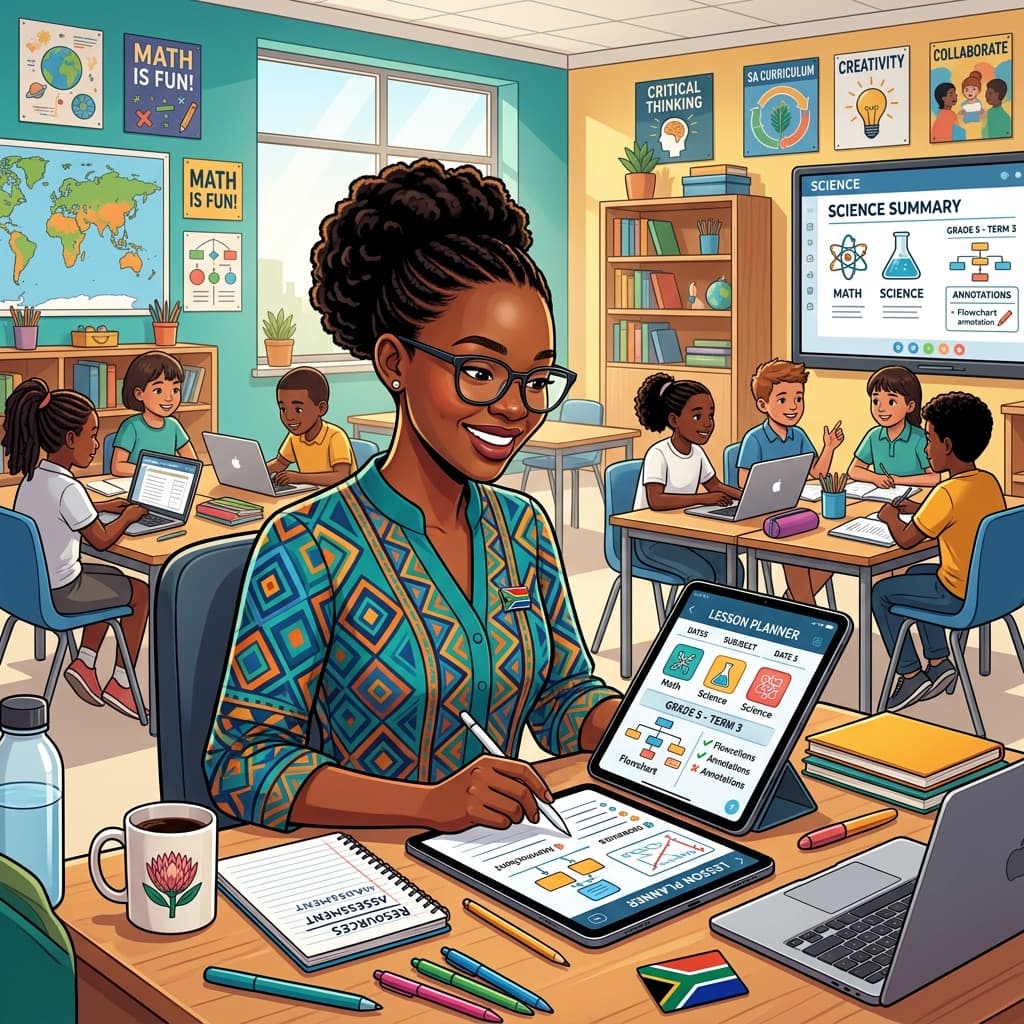
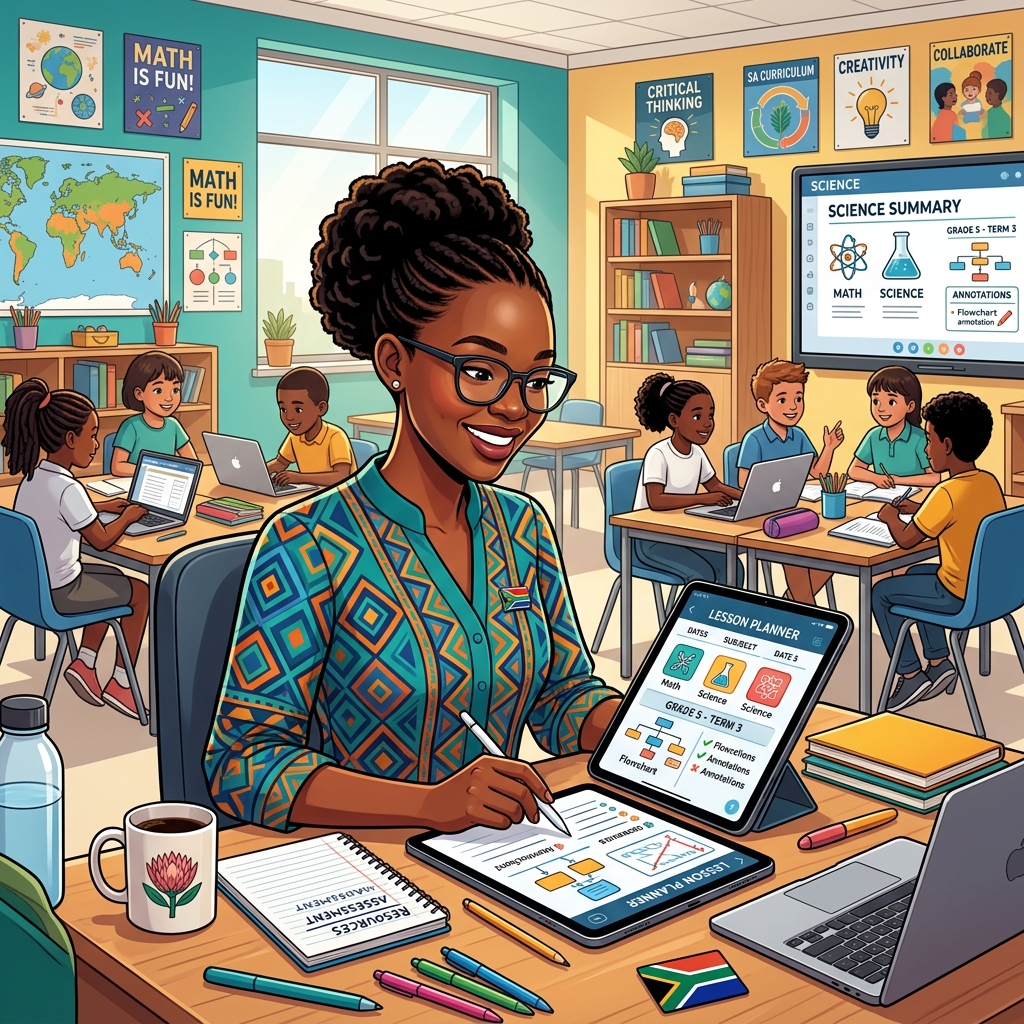
The CAPS-Aligned Lesson Planner transforms this process. Instead of spending two hours mapping out objectives, assessment criteria, and resources, you input your topic and grade. The AI generates a structured plan in seconds.
How this fuels creativity:
- Alternative Perspectives: Ask the AI to suggest three different ways to introduce the concept of "Symmetry" to a Foundation Phase class using recycled materials.
- Cross-Curricular Integration: Use the planner to find links between Natural Sciences and Geography, creating a more holistic learning experience for your learners.
- Differentiated Activities: Instead of one-size-fits-all, use the planner to quickly generate three versions of a task—one for struggling learners, one for the average learner, and an extension task for your top achievers.
By handling the "what" and the "where" (the curriculum constraints), the AI leaves the "how" (the creative delivery) entirely up to you.
From Rote Learning to Radical Engagement: The Worksheet & Exam Generators
We’ve all been there: searching the internet for hours to find a worksheet that isn't from the United Kingdom or the USA, only to end up having to rewrite half of it because the terminology doesn't match South African English or the context is irrelevant to our learners.
The Worksheet & Exam Generators at SA Teachers solve this by creating content that is contextually relevant. But here is where your creativity comes in: use the generator to create the base of an exam, and then customise the scenarios.
Practical Scenario:
Imagine you are teaching Grade 10 Business Studies. You use the generator to create a formal assessment on "Socio-Economic Issues." Once the technical questions are generated, you can creatively adapt them to focus on a local entrepreneur in your specific town or township. You’ve saved an hour on formatting and mark-allocation logic, which you can now spend making the case study truly resonate with your students' lived experiences.
Personalisation at Scale: The AI Tutor and Study Guide Creator
One of the greatest challenges to creativity in the classroom is the wide range of ability levels. It is difficult to be creative when you are constantly worried about the five learners who are falling behind and the three who are bored because they are too far ahead.
This is where the AI Tutor and Study Guide Creator become game-changers.
- The AI Tutor: This tool acts as a 24/7 teaching assistant for your learners. By integrating this into your classroom, you empower students to take control of their own learning. This frees you up to move around the room and engage in deep, creative 1-on-1 conversations rather than being stuck at the chalkboard repeating basic concepts.
- Study Guide Creator: Long gone are the days of photocopying the same dry textbook pages. You can use this tool to create vibrant, summarised study guides that focus on the "big ideas." Creatively, you can ask the AI to summarise a complex Grade 12 Physics chapter into a "cheat sheet" designed like a social media feed or a series of infographics.

The Creative Feedback Loop: Essay Graders and Rubric Creators
Assessment is traditionally the "death of creativity" for teachers. Marking 150 essays can lead to "marking fatigue," where you stop looking for the beauty in a student’s argument and start only looking for spelling mistakes.
The Essay Grader & Rubric Creator doesn't just give a mark; it provides a framework. By using a Rubric Creator, you can design highly specific, creative rubrics that reward original thinking, critical analysis, and "out of the box" solutions.
How to use it creatively:
- Define Creative Outcomes: When creating a rubric, include a category for "Originality of Thought" or "Local Contextualisation."
- Instant Feedback: Use the Essay Grader to get a "first pass" on a batch of drafts. This highlights common technical errors across the class, allowing you to spend your precious marking time writing meaningful, personal notes to each student about their ideas, rather than just correcting their grammar.
- Peer Review: Generate simplified rubrics that learners can use to mark each other’s work, fostering a culture of collaborative creativity.
At the end of every term, the "Creativity Vampire" arrives in the form of report cards. Writing unique, meaningful comments for 200+ learners is an impossible task. Most teachers end up using "copy-paste" comments that lose all personal meaning.
The Report Comments Generator on sateachers.co.za allows you to input a few key traits or achievements about a student, and it will craft a professional, warm, and CAPS-compliant comment.
The Creative Twist: Use the time you save—which could be upwards of 10 hours per term—to write a short, handwritten "inspiration note" to five students who really need it. By using AI to handle the "standard" reporting, you preserve your emotional energy to be the mentor those students deserve.
Real-World Case Study: The "Solar System" Overhaul
Let’s look at a practical example of how a Grade 5 Natural Sciences teacher might use these tools to elevate their creativity.
The Old Way:
The teacher follows the textbook, draws the planets on the board, and asks learners to copy a diagram. It’s efficient, but it’s not creative, and the teacher is bored.
The AI-Enhanced Creative Way:
- Preparation: The teacher uses the CAPS-Aligned Lesson Planner to ensure they hit all the required ATP milestones for "The Solar System."
- Inspiration: They ask the AI to suggest a "Problem-Based Learning" scenario. The AI suggests: "Imagine Earth is becoming uninhabitable; which planet in our solar system should we move to, and why?"
- Resources: The teacher uses the Worksheet Generator to create a "Passport to the Planets" for learners to fill out as they "travel" through the classroom.
- Support: The teacher uses the Study Guide Creator to make a simplified "Travel Brochure" for the solar system for learners who struggle with dense text.
- Execution: Because the teacher didn't spend five hours hand-drawing worksheets and mapping the ATP, they have the energy to transform their classroom into a "spaceship," using black sugar paper and fairy lights.
In this scenario, the AI handled the structure, the alignment, and the documentation. The teacher provided the vision, the excitement, and the physical transformation of the learning space. That is creativity in action.
Overcoming the "AI Guilt"
Many South African teachers feel a sense of guilt when using AI, as if they are "cheating." We need to shift this mindset. In every other profession—medicine, engineering, accounting—professionals use the latest technology to improve their output. Education should be no different.
Using AI is not about working less; it’s about working better. It’s about choosing to spend your time on the things that matter. Does it matter more that you manually typed out a list of vocabulary words, or that you spent twenty minutes talking to a student who is struggling with their mental health?
The SA Teachers platform is designed by people who understand the South African classroom. We know that our teachers are some of the most resilient and creative in the world. Our tools are designed to protect that resilience by removing the "drudge work."
Steps to Start Integrating AI Without Losing Your Voice
If you are new to AI, the transition can feel overwhelming. Here is a simple 3-step guide to integrating AI while maintaining your creative control:
- Start with the "Pain Points": Identify the task you hate most. Is it creating rubrics? Is it lesson planning? Start by using the specific tool for that task on sateachers.co.za.
- The "80/20" Rule: Let the AI do 80% of the foundational work (the structure, the alignment, the formatting). Use the final 20% of the time to add your personal touch, your "South Africanisms," and your creative flair.
- Experiment with Prompts: Don't just take the first result the AI gives you. If a lesson plan feels a bit dry, tell the AI: "This is good, but make it more interactive for a group of Grade 7s who love football."
Conclusion: The Future of the South African Classroom
The future of education in South Africa isn't about choosing between humans and machines. It's about "Augmented Teaching." It’s about the teacher who uses AI to handle the bureaucracy so they can return to being the artist, the storyteller, and the mentor.
By embracing the tools available at SA Teachers, you aren't just becoming more efficient. You are reclaiming your passion for teaching. You are ensuring that when you walk into your classroom on Monday morning, you aren't exhausted from a weekend of admin—you are excited to engage with your learners.
Creativity isn't about the documents you produce; it's about the moments you create in the classroom. Let AI handle the documents. You handle the moments.
Ready to reclaim your creative spark?
Explore our suite of AI-powered tools designed specifically for the South African CAPS curriculum. From lesson planners to exam generators, SA Teachers is here to help you teach better, not harder. Sign up today and experience the difference that "Admin-Free Teaching" can make.
SA
Dedicated to empowering South African teachers through modern AI strategies, research-backed pedagogy, and policy insights.