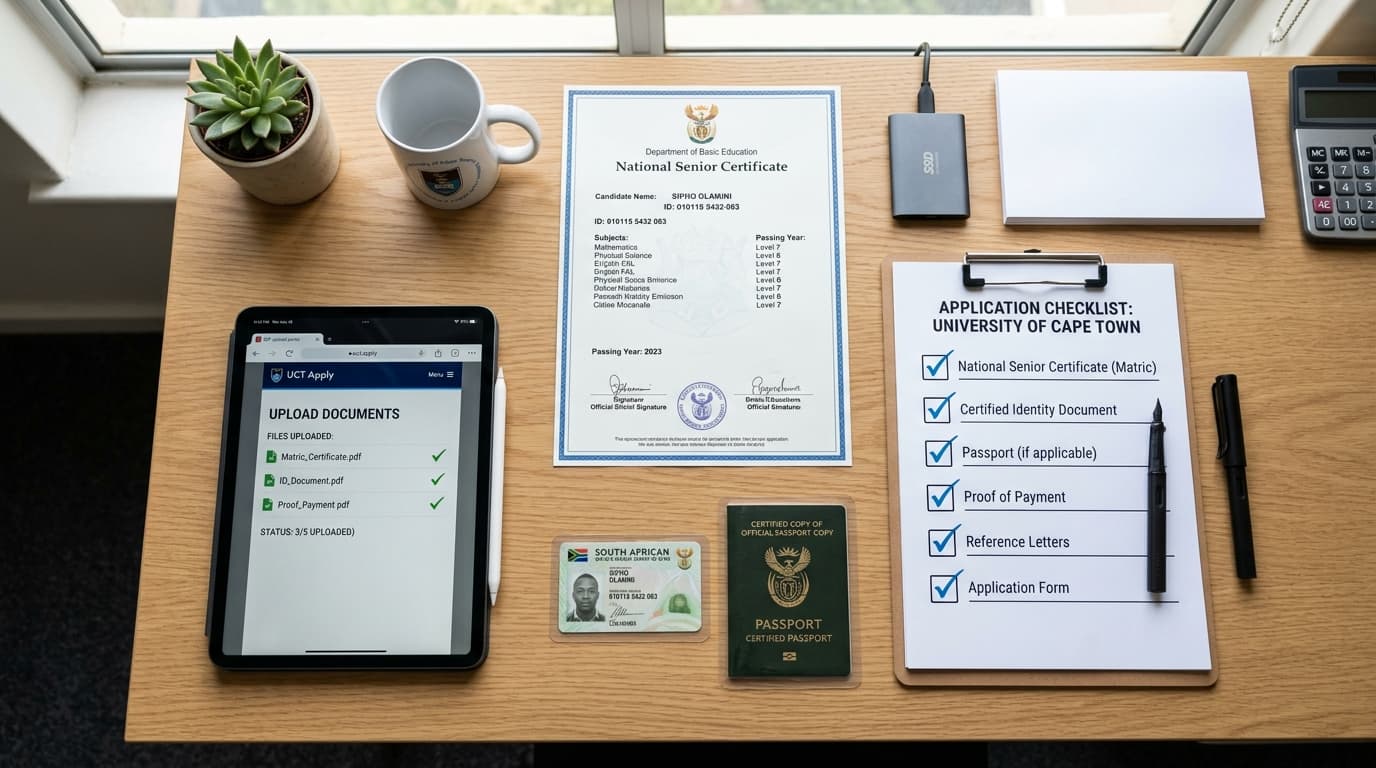
Deciding to pursue higher education is one of the most transformative investments you can make in your personal and professional future. In South Africa, the University of South Africa (UNISA) stands as the undisputed giant of Open Distance e-Learning (ODeL), serving hundreds of thousands of learners across the continent and beyond. Whether you are a matriculant seeking your first undergraduate degree, a working professional striving to advance into school management, or an aspiring educator preparing to enter the classroom, the decision to apply at UNISA represents a pathway to flexible, accredited, and world-class tertiary training.
However, navigating the application pipeline can be an intimidating undertaking if you enter the process unprepared. Every year, tens of thousands of prospective applicants face disappointment—not because they lack academic potential, but because of missed deadlines, incomplete documentation, inaccurate Admission Point Score (APS) calculations, or incorrectly referenced payment receipts. The objective of this comprehensive handbook is to walk you through every critical checkpoint so that when you apply at UNISA, your submission is flawless, compliant, and positioned for swift administrative approval.
1. Understanding Open Distance e-Learning (ODeL) Before You Apply
Before you sit down at your computer to apply at UNISA online, it is vital to reflect on what distance learning genuinely requires. Unlike contact institutions where lectures, tutorials, and deadlines are structured around physical campus attendance, UNISA operates almost entirely in the digital sphere.
Studying through UNISA offers unmatched benefits:
- Work-Study Flexibility: You can earn an income, teach at a school as a teacher assistant or intern, or manage family commitments while progressing through your degree modules.
- Geographic Independence: Whether you reside in deep rural Eastern Cape, peri-urban Gauteng, or coastal KwaZulu-Natal, your learning materials, electronic library access, and assessment submissions are mediated via the MyUNISA digital platform.
- Affordable Fee Structures: Because distance universities do not maintain massive physical residential infrastructures for every student, tuition fees are markedly lower per module than traditional residential universities.
However, distance education requires high self-discipline, time management, and intrinsic motivation. You will be expected to read dense study guides, manage independent research, contribute to online discussion forums, and submit portfolio-based assessments or take automated online proctored examinations. Keeping these realities in mind will ground your mindset as you prepare to apply at UNISA.
2. Pre-Application Phase: Calculate Your APS and Verify Requirements
A common mistake made by applicants is rushing into the portal without confirming whether their matric results meet the specific statutory requirements for their chosen qualification. When you apply at UNISA, you are evaluated against rigorous academic minimums governed by the Higher Education Act and departmental entrance criteria.
Calculating Your Admission Point Score (APS)
UNISA utilizes a standardized seven-point scale based on your National Senior Certificate (NSC) or Senior Certificate (SC) subject achievement levels. Life Orientation is excluded from the calculation by UNISA when computing your final APS total.
| NSC Percentage Band | NSC Achievement Level | APS Points Awarded |
|---|---|---|
| 80% – 100% | Level 7 (Outstanding) | 7 Points |
| 70% – 79% | Level 6 (Meritorious) | 6 Points |
| 60% – 69% | Level 5 (Substantial) | 5 Points |
| 50% – 59% | Level 4 (Adequate) | 4 Points |
| 40% – 49% | Level 3 (Moderate) | 3 Points |
| 30% – 39% | Level 2 (Elementary) | 2 Points |
| 0% – 29% | Level 1 (Not Achieved) | 0 Points |
Example Calculation: Suppose your final Grade 12 results reflect:
- English First Additional Language: 64% (Level 5 = 5 points)
- Mathematics: 52% (Level 4 = 4 points)
- Physical Sciences: 58% (Level 4 = 4 points)
- Geography: 71% (Level 6 = 6 points)
- History: 68% (Level 5 = 5 points)
- Life Sciences: 62% (Level 5 = 5 points)
- Life Orientation: 82% (Excluded)
Your Total APS = 5 + 4 + 4 + 6 + 5 + 5 = 29 Points.
Minimum Academic Qualification Baselines
When you prepare to apply at UNISA, remember that academic programs carry statutory minimum pass requirements:
- Higher Certificate (NQF Level 5): Requires a National Senior Certificate with at least 30% in the language of teaching and learning, with minimum APS thresholds typically ranging from 15 to 18 points.
- Diploma (NQF Level 6): Requires an NSC with a minimum of 40% in four recognized 20-credit subjects, accompanied by an APS score ranging from 18 to 22 points.
- Bachelor's Degree (NQF Level 7): Requires an NSC with a Bachelor's Degree endorsement (a minimum of 50% or Level 4 in four recognized 20-credit subjects), with APS requirements starting at 21 points for humanities up to 26–30 points for accounting, science, and education degrees.
Take the time to examine the official UNISA qualifications brochure online to verify subject-specific prerequisites (such as pure Mathematics vs Technical Mathematics or Mathematical Literacy).
3. Assembling Your Supporting Documentation
When you apply at UNISA online, your electronic dossier must be complete before you click submit. Incomplete or corrupt uploads will trigger immediate application rejections or place your file in administrative purgatory.
Prepare electronic PDF copies of the following:
- Certified Copy of Your Identity Document (ID) or Passport: Must be stamped and signed by a Commissioner of Oaths (such as the South African Police Service, Post Office official, or bank manager) within the preceding three months.
- Certified Copy of Your Senior Certificate / National Senior Certificate: If you wrote matric in prior years, provide your official Umalusi certificate or statement of results.
- Current Grade 12 Learners: If you are currently completing matric, provide a certified copy of your final Grade 11 report alongside your Grade 12 mid-year (June/Term 2) progress report.
- Academic Transcripts and Conduct Certificate: Mandatory if you have previously enrolled or studied at another tertiary institution (such as TVET colleges, universities of technology, or traditional universities).
- Marriage Certificate or Official Affidavit: Essential if your surname on your educational certificates differs from your official national identity register.
- Sworn Translation: For international qualifications, an official English translation by a certified translator and an accompanying SAQA evaluation certificate.
Technical File Specifications
The UNISA document repository enforces strict file limitations:
- Files must be saved exclusively in PDF format (photographic formats such as JPEG or PNG are rejected by the automated upload engine).
- File sizes cannot exceed 2 Megabytes (2MB) per document.
- Documents should be scanned in clean black-and-white at 150 to 200 DPI to preserve crisp legibility while remaining beneath the file size threshold.
4. Step-by-Step Walkthrough: The Online Application Portal
With your documents prepared, APS calculated, and qualification codes confirmed, you are ready to apply at UNISA. Set aside at least 45 minutes of uninterrupted time on a stable internet connection using a desktop or laptop computer.
Step 1: Accessing the Official Admissions Portal
Direct your web browser to the official UNISA admissions portal (www.unisa.ac.za/apply). Beware of phishing sites or commercial third-party agencies that charge exorbitant handling fees. Applying to UNISA must always be done directly on the verified institutional portal.
Step 2: Selecting Your Applicant Category
The system will ask whether you currently have a UNISA student number:
- If you have previously enrolled at UNISA or applied in past application cycles, enter your eight-digit student number.
- If you are a first-time applicant, indicate that you do not have a student number. The system will issue you a unique reference code during this session.
Step 3: Entering Biographic Information
Fill out your full legal names, national identification number, residential address, postal address, and contact information.
Critical Advice: Provide a personal, permanent cellphone number and an active personal email address that you monitor daily. Avoid using secondary school email addresses or relatives' contact numbers, as UNISA communicates student numbers, password links, and admission offers strictly via SMS and email.
Step 4: Academic History and Educational Background
Input your high school details, the year you matriculated (or will matriculate), examination authority (DBE, IEB, SACAI), and subject-by-subject percentage achievements. Ensure that every mark entered matches your certified certificate verbatim.
Study Guide Creator
Transform your notes into structured study guides for learners.
Step 5: Choosing Your Qualifications (First and Second Choice)
When you apply at UNISA, you are given the opportunity to select two qualification choices:
- First Choice: Your primary aspiration (e.g., Bachelor of Education in Senior and FET Phase).
- Second Choice: A pragmatic alternative or pathway qualification (e.g., Higher Certificate in Education).
If competition or limited space constraints prevent you from securing an offer for your first choice, having an accredited second choice guarantees that you can still enter the university system, accumulate credits, and articulate into your primary degree later.
Step 6: Uploading Your PDF Documentation
The portal will present an upload interface corresponding to each required document. Click each category, attach your pre-formatted PDF file, and verify that the file status shifts to "Uploaded Successfully".
Step 7: Reviewing Declarations and Final Submission
Thoroughly review the summary page. Verify that names, telephone numbers, postal codes, and qualification choices are completely accurate. Tick the legal declaration acknowledging adherence to university rules and click Submit Application.
Upon submission, the system displays your temporary reference number and unique student number on screen. Take an immediate screenshot and store this number securely.
5. Paying the Application Fee: Rules, Banking Details, and References
An application to apply at UNISA is legally incomplete and dormant until the non-refundable application fee is processed and cleared through the university's financial accounts.
Fee Amounts
- Standard Undergraduate Application Fee: R140.00
- Online Post-Graduate / Honours Application Fee: Varies by program tier (check the current fee schedule).
Payment Methods
- Credit or Debit Card Online: The fastest, most secure route. Paying directly via the UNISA web payment gateway reflects within 2 hours, activating your application instantly.
- EFT / Direct Bank Deposit: If paying via your banking app or an over-the-counter teller at First National Bank (FNB) or ABSA:
- Bank: First National Bank (FNB)
- Account Name: UNISA Students Fee Account
- Account Number: 62799600155
- Branch Code: 209845
- Payment Reference:
STUDENT NUMBERfollowed immediately by the code5400374721(e.g.,12345678 5400374721).
Warning: Never use your identity number or surname as the bank payment reference. Without your exact 8-digit student number and the allocation code, the financial clearing house cannot match your payment to your profile, causing your application to be purged when the window closes.
6. What Happens After You Apply at UNISA?
Once your submission is complete and payment is logged, your application enters the institutional evaluation pipeline. UNISA typically takes anywhere from 6 to 12 weeks to review documentation, verify matriculation authenticity via Umalusi, and allocate competitive quota spaces.
graph TD
    A[Online Application Submitted] --> B[Application Fee Paid & Cleared]
    B --> C[Document Verification by Admissions Bureau]
    C --> D[Academic Scoring & APS Ranking]
    D --> E{Admissions Decision}
    E -->|Approved| F[Formal Admission Offer Issued via SMS/Email]
    E -->|Pending Results| G[Conditional Assessment Awaiting Final Matric]
    E -->|Declined| H[Review Alternative Higher Certificate Pathways]
    F --> I[Applicant Must Accept Offer Online Within 10 Days]
    I --> J[Registration Opens for Semester 1 Modules]
Tracking Your Application Status
You can track the progress of your application at any time using the online status tool:
- Visit
myadmin.unisa.ac.za/tool/unisa-applications/status. - Enter your 8-digit Student Number, Surname, and Date of Birth.
- Review the status indicators. Common statuses include:
- Application Received: Files logged, awaiting administrative review.
- Under Assessment: Admissions officer is reviewing certified documents and calculating official scores.
- Documentation Incomplete: An uploaded file was unreadable or missing; urgent upload required.
- Offer of Admission: You have been accepted into the qualification.
7. The Critical 10-Day Acceptance Window
Receiving an offer of admission from UNISA is an exhilarating milestone, but the process does not end there. UNISA enforces a strict statutory rule: you must formally accept or decline the admission offer online within 10 calendar days of receipt.
If you do not log into the portal and click "Accept Offer" within this 10-day window:
- The system automatically revokes your offer.
- Your space is immediately reallocated to another candidate on the waiting list.
- You will be unable to register for modules and must wait for the subsequent annual application cycle.
Check your email spam folders and ensure your cellphone network maintains active SMS reception throughout November, December, and January so you do not miss this vital notification.
8. Essential FAQs When You Apply at UNISA
Can I apply for two different faculties simultaneously?
Yes. You can select an education degree as your first choice and a humanities or commerce diploma as your second choice. Both will be assessed, but you will only receive an offer for one program based on quota priority.
Can I apply at UNISA while still in Grade 12?
Absolutely. The overwhelming majority of undergraduate applicants apply during their Grade 12 year using their Grade 11 final year-end marks and Grade 12 term reports. Offers made under these circumstances are conditional, pending final Umalusi matric certification in January.
Does NSFAS cover the UNISA application fee?
No. The National Student Financial Aid Scheme (NSFAS) covers tuition, approved learning material allowances, and incidental study fees once you are an enrolled, registered student. The initial application fee (R140) must be paid out-of-pocket to enable application processing.
What should I do if my application is rejected due to lack of space?
If you met the minimum APS but were rejected because of departmental capacity constraints, immediately review your second choice qualification or look into enrolling in a relevant NQF Level 5 Higher Certificate. Completing a 1-year Higher Certificate allows you to re-apply with an enhanced academic track record that provides direct articulated entry into your dream degree.
9. Final Checklist Before Hitting Submit
Before completing your session, verify this closing checklist:
- My personal email address is typed accurately without spelling errors.
- My cellphone number is active and capable of receiving direct SMS updates.
- I have selected both a primary qualification and a strategic second-choice qualification.
- Every uploaded document is in PDF format and under 2MB in size.
- My ID and educational certificates have clear Commissioner of Oaths certification stamps.
- I have noted down my UNISA student number and banking payment reference details.
Taking the proactive initiative to apply at UNISA is your first decisive step toward unlocking academic mastery, career mobility, and pedagogical excellence. By approaching this administrative journey with diligence, technical precision, and foresight, you position yourself at the forefront of the upcoming academic intake. Embrace the journey, submit with confidence, and step boldly into your educational future.
Tyler. M
Dedicated to empowering South African teachers through modern AI strategies, research-backed pedagogy, and policy insights.